Free and Paid Plans
Screenshots and screen recording come with every Hippius account that has Drive storage: the free 10 GB, or a paid plan. The Free plan has a few limits on recordings, and paid plans lift them. Accounts that sign in with an access key don't include the free storage, so they need a paid plan to capture.
At a glance
| Free plan | Paid plans (Starter, Plus, Max, Scale) | |
|---|---|---|
| Screenshots | Unlimited | Unlimited |
| Sharing | Unlimited | Unlimited |
| Length of a recording | Up to 5 minutes | No limit |
| Number of recordings | 25 in total | No limit |
| Hippius watermark | A small mark in the corner | None |
| Storage | Captures count toward your 10 GB | Captures count toward your plan's storage |
The only limit on a paid plan is your storage.
Recordings stop at 5 minutes
On the Free plan, a recording stops on its own when it reaches 5 minutes. You won't be caught out:
- In the last minute, the timer shows how much time is left.
- When it stops, the recording is saved, uploaded and shared exactly like one you stopped yourself. Nothing is lost.
- Paused time doesn't count, so a pause to gather your thoughts doesn't eat into your 5 minutes.
The card after the recording has an Upgrade button if you need longer.
25 recordings
The Free plan includes 25 recordings in total. The Captures page shows how many you've used, for example 3 of 25 free recordings used, and the capture bar shows it too, in the desktop app and in the console.
- Every video in your Hippius Captures drive counts, whatever it's called and whichever folder it's in, and whether you recorded it in the desktop app, in the console or on another computer.
- Deleting a recording frees a slot straight away. So does moving it out of your Hippius Captures drive.
- Screenshots never count.
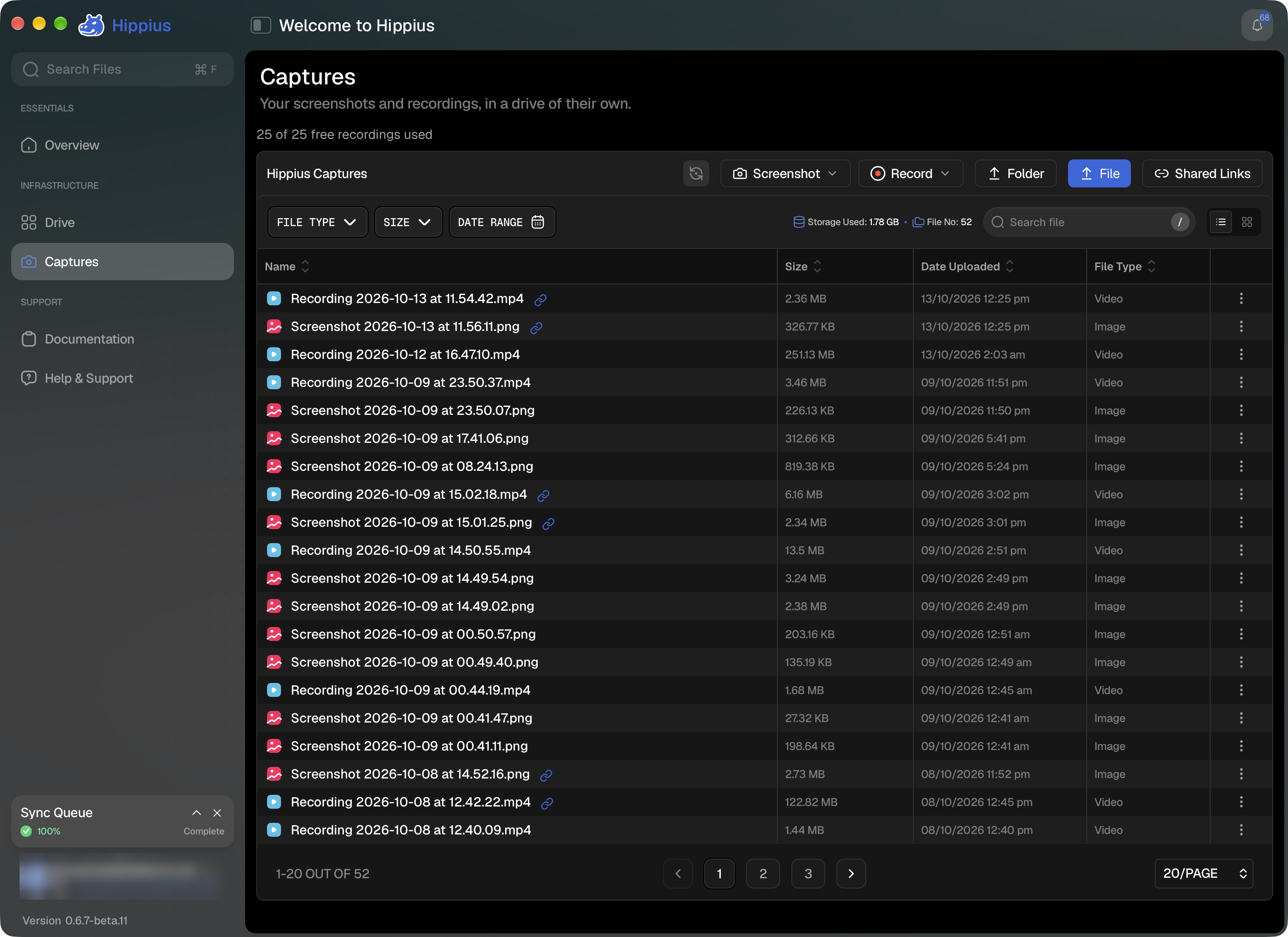
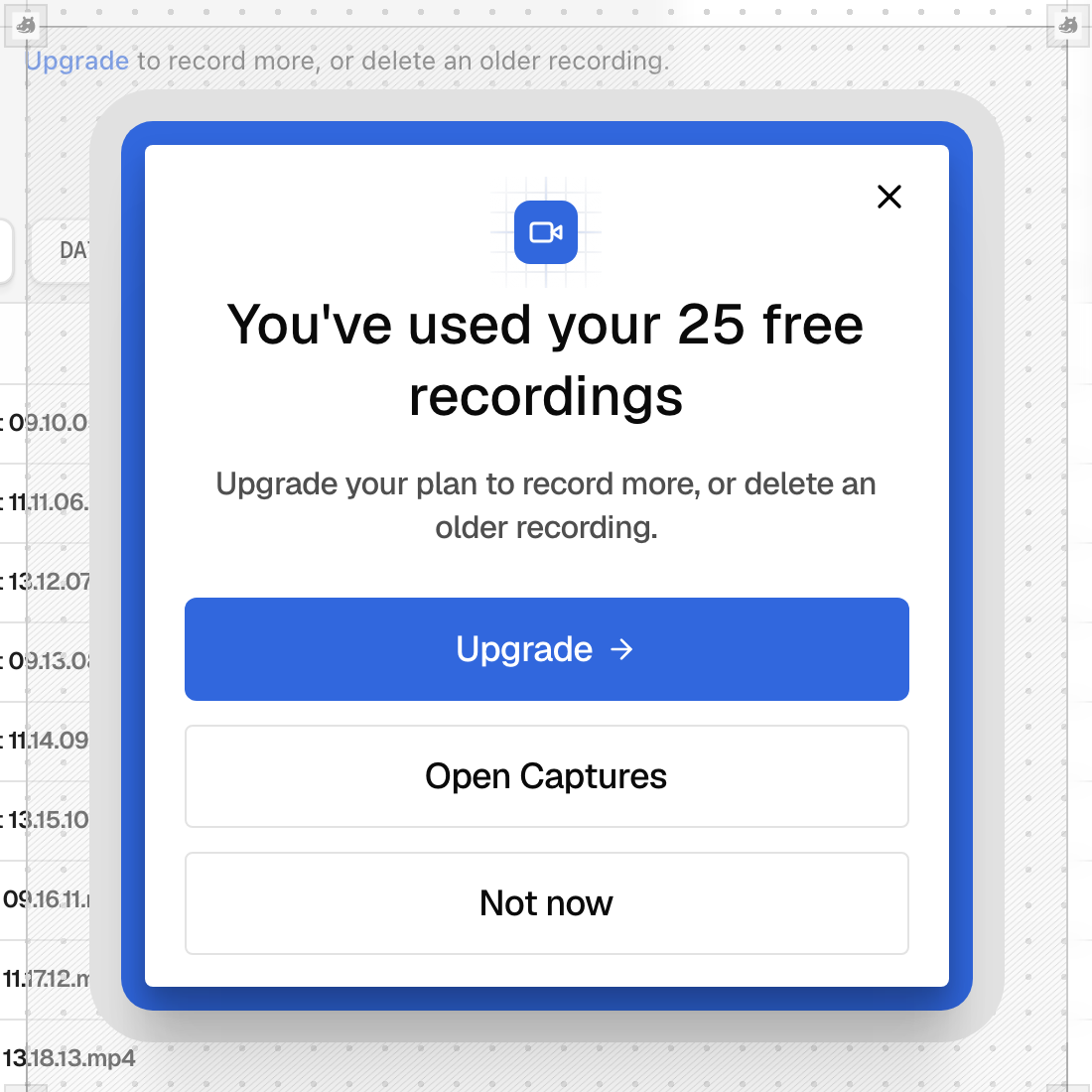
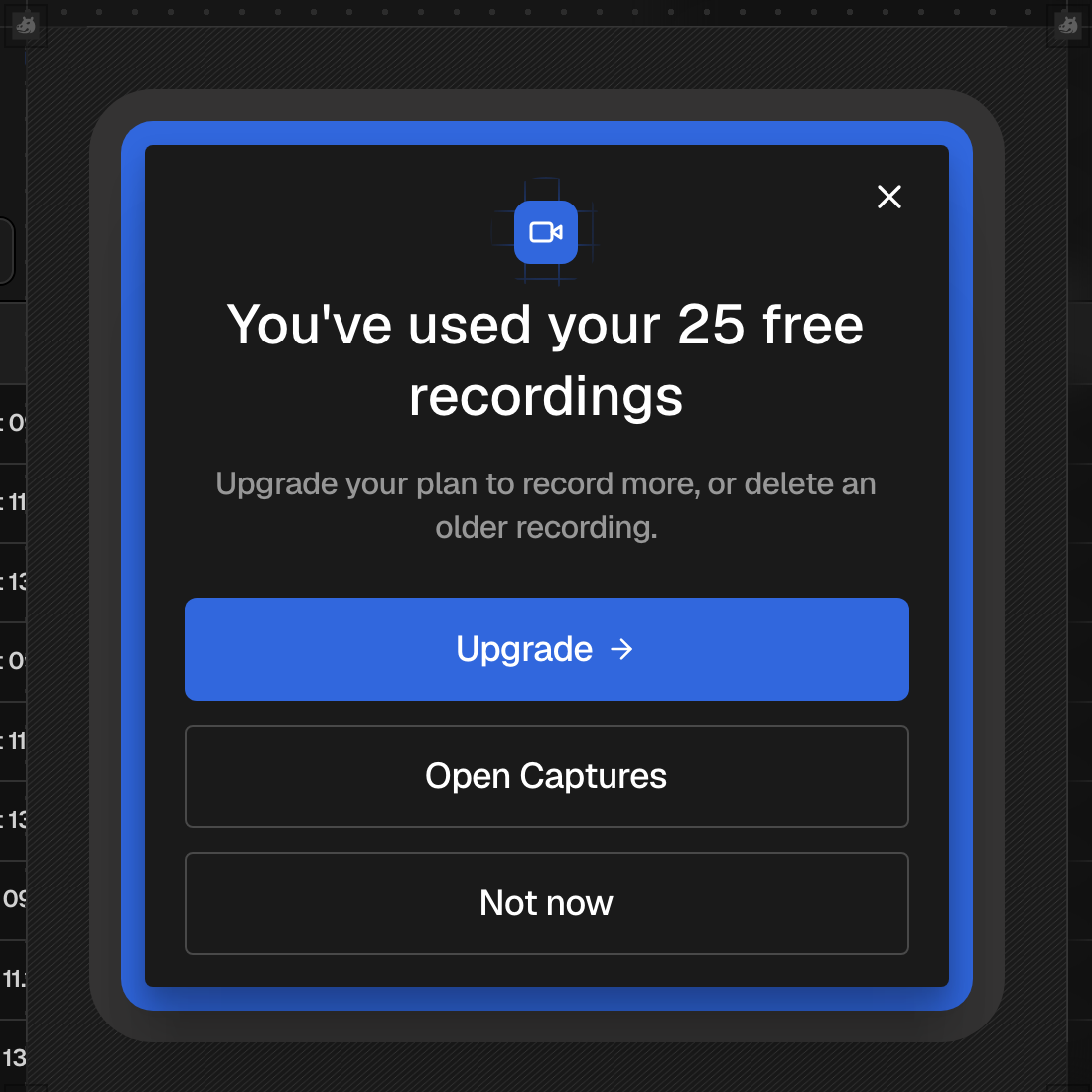
When you've used all 25, Hippius tells you as soon as you press Record, before anything is recorded, so you never lose a take. Upgrade your plan to record more, or delete an older recording to make room.
The watermark
Screenshots and recordings made on the Free plan carry a small Hippius mark (the Hippius logo and the word "Hippius") in the bottom-right corner. It's white and slightly see-through, so it reads on light and dark backgrounds without getting in the way. Your camera bubble sits in the opposite corner.
The mark is drawn into the picture on your device, before the capture is encrypted, so it stays on the file when you share it or download it. Captures made on a paid plan have no mark. Upgrading doesn't remove the mark from captures you've already taken.
Storage
A capture is a file, so it counts toward your storage like any other: 10 GB on the Free plan, or your paid plan's size. Its share link adds nothing while the capture is in your Drive; only a link whose capture you've deleted counts (see Share links for captures).
To see how much room you have, or to change plan, see Billing in the console or in the desktop app.