Hippius Desktop App
Introduction
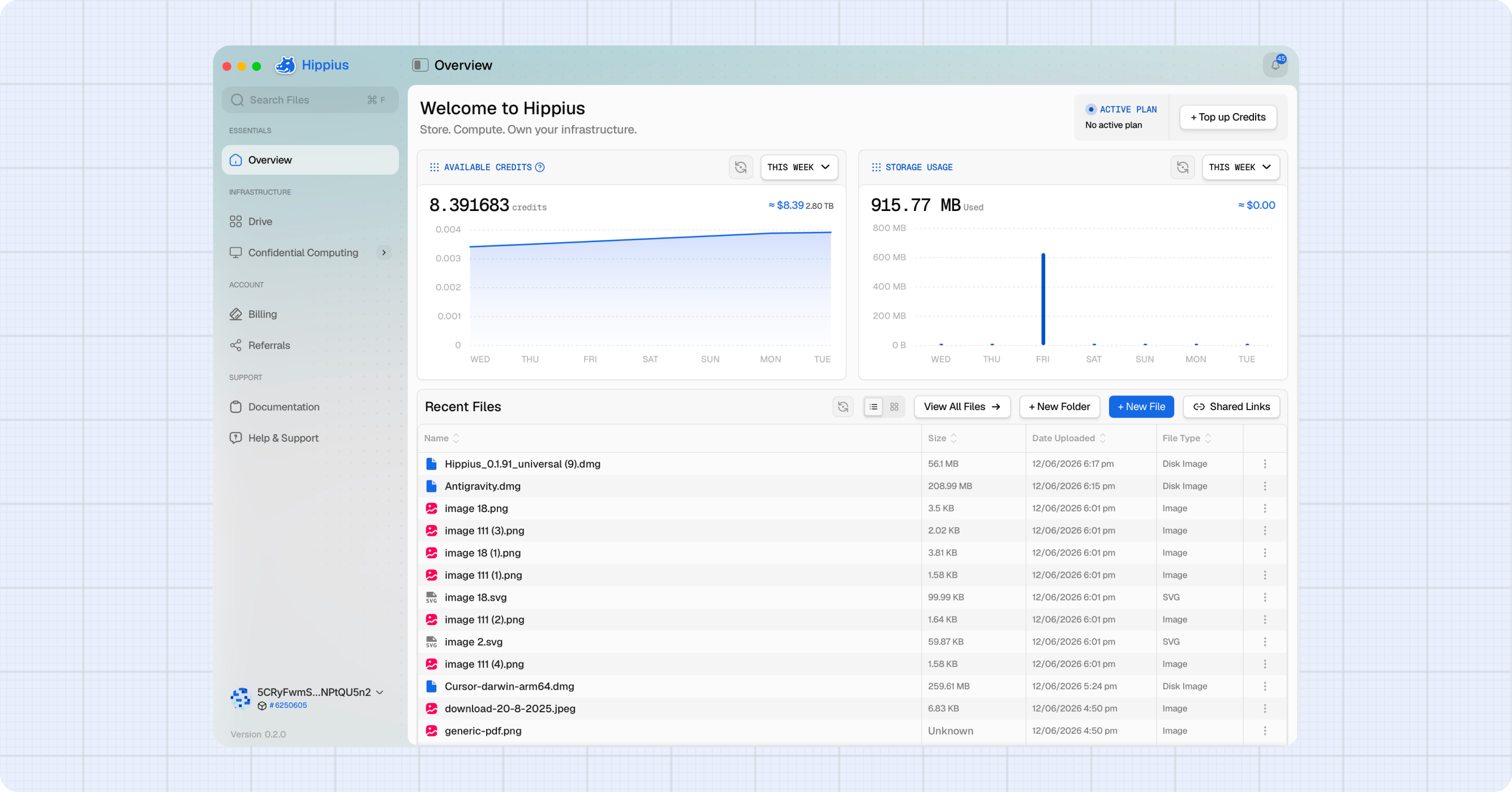
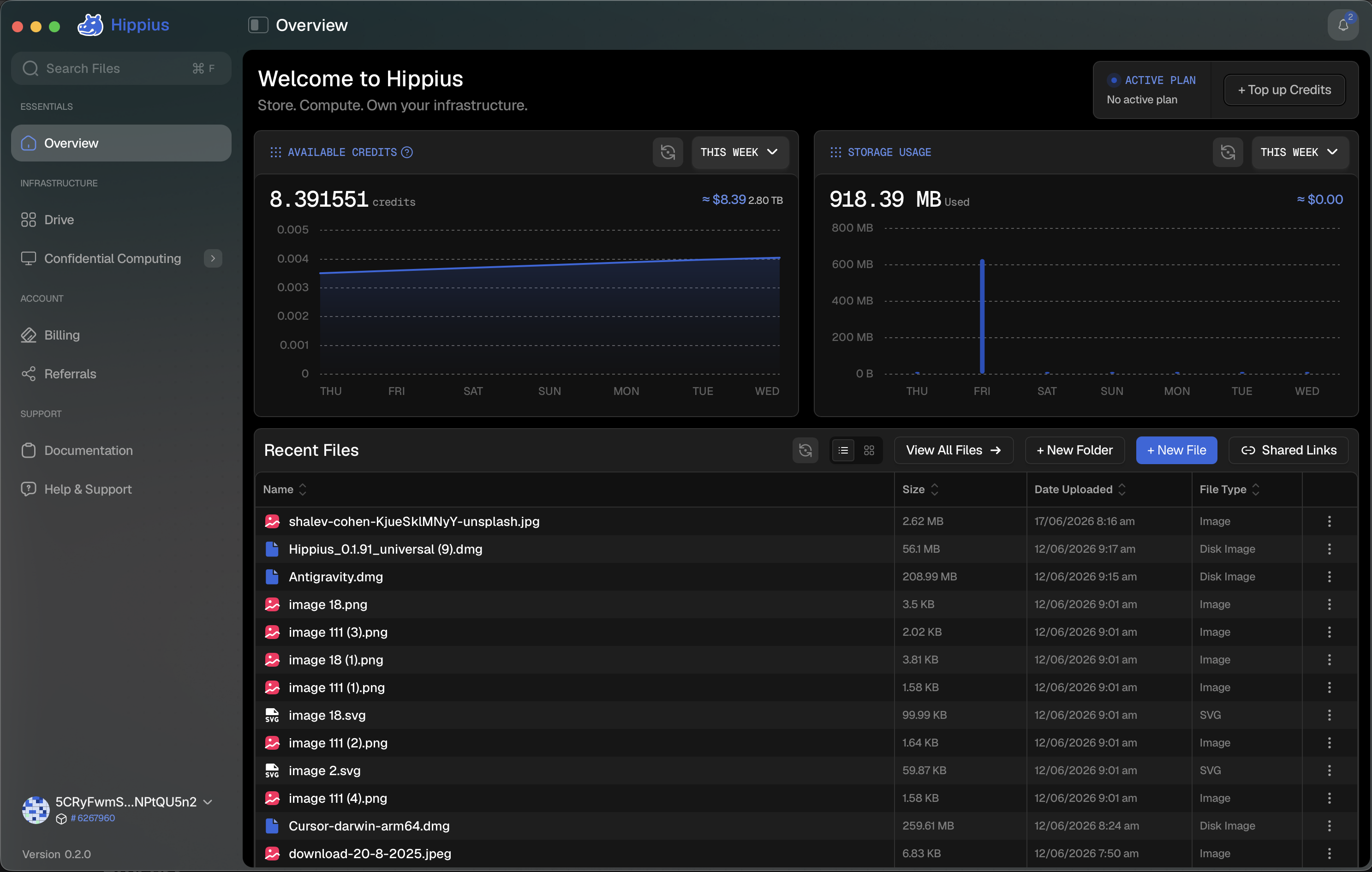
A native app for distributed cloud storage. Drag, drop, sync. Your files are encrypted on your device before they leave, and stored across the Arion network.
This guide walks you through installation, sync, sharing, and everything in between.
Benefits of using the Desktop App
- Fast access to files with real-time sync across devices.
- All files are encrypted on your device before syncing.
- Sync multiple folders simultaneously with independent controls.
- Detect and resolve file conflicts with full control.
- Easy to use with a clean, modern interface.
Installing the Desktop App
To install the desktop app, click on one of the suitable download link below. Once downloaded, follow the steps below.
Process
- Download the installation file.
- Open HippiusSetup.exe on Windows, Hippius.dmg on Mac, or Hippius.deb on Linux.
- Follow the instructions on screen.
- After installation is complete, find the icon to open the app.
Set up Sync
Hippius continuously monitors your synced folders and automatically synchronizes changes with the Hippius network. You can sync multiple folders at the same time, each with its own status and controls.
On first launch, you will choose a sync folder and set an encryption password. After that, adding files to your synced folders is all you need to do. The rest happens automatically. See the Using the App guide for detailed setup instructions.