Share Links for Captures
The point of a capture is usually to show it to someone, so Hippius makes the link for you. As soon as a screenshot or recording is saved, its share link is created and copied to your clipboard. Paste it anywhere.
What a capture link is like
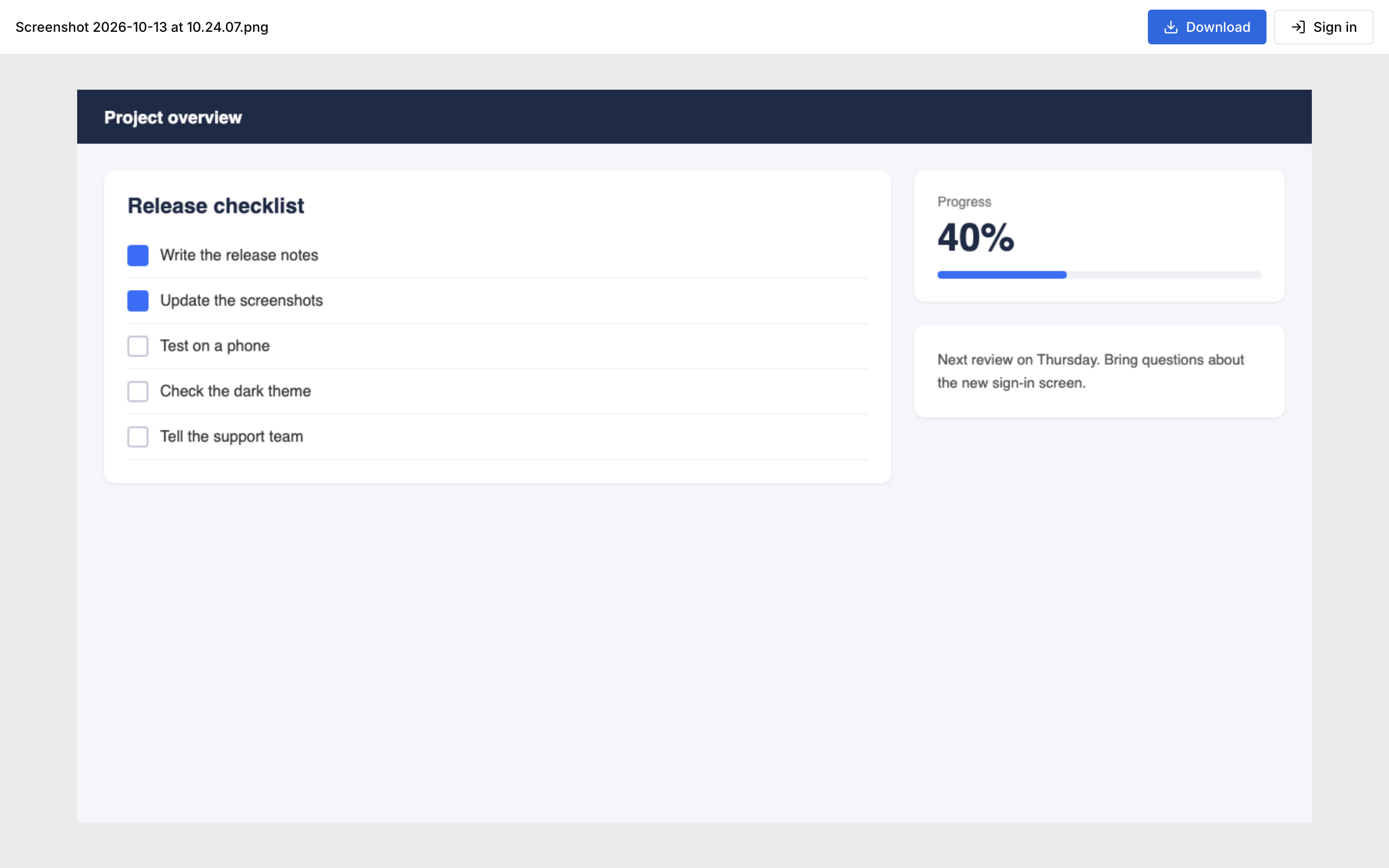
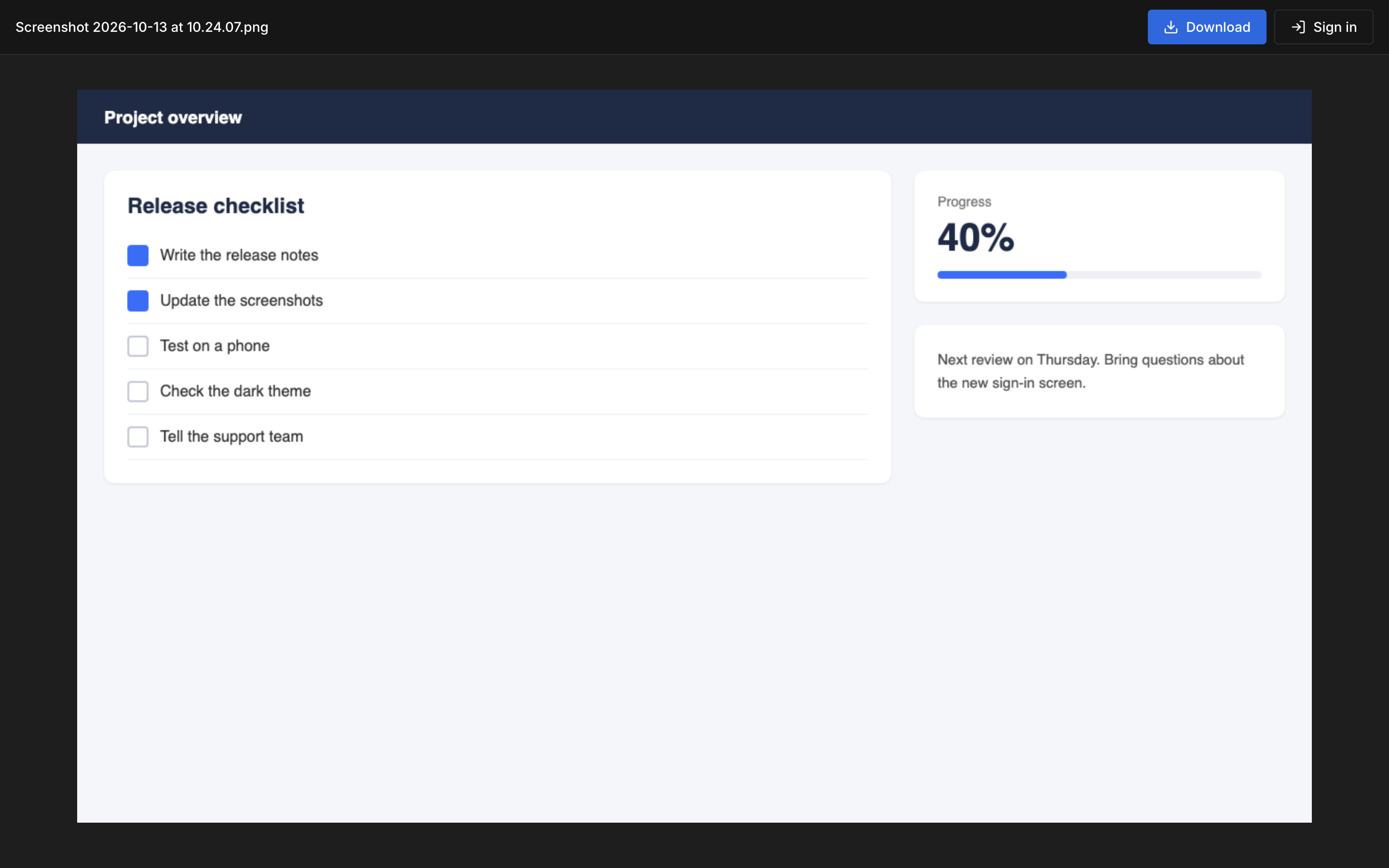
- Anyone with the link can view. The people you send it to don't need a Hippius account. They open the link in a browser and see the screenshot or play the video right on the page, with a button to download it.
- It never expires by default. The link keeps working until you turn it off. The card after a capture says so: Anyone with the link can view. Never expires.
- It is end to end encrypted. The key that opens the capture is in the link itself, after the
#, and never reaches Hippius. See Privacy and encryption. - The page shows nothing about you. No email address or account address appears on it, only the file.
Sharing is unlimited on every plan, including Free.
A capture link is an ordinary share link, so it shows up in Shared Links next to the links you made by hand, and you manage it there the same way. The only difference is how it starts: a link you make yourself asks you for an expiry first, and a capture link starts out public with no expiry, so it's ready the moment you need it.
Turn a link off
When you no longer want people to open a capture, turn its link off:
- Open Shared Links. After a capture, Manage link on its card takes you straight to it. In the desktop app it's in the card's More menu.
- Open the link's menu and choose Revoke, then confirm.
The link stops working at once for everyone who has it, and its encrypted copy is deleted. You can revoke a link from any device, in the console or the desktop app, whichever one made it.
Deleting a capture doesn't end its link
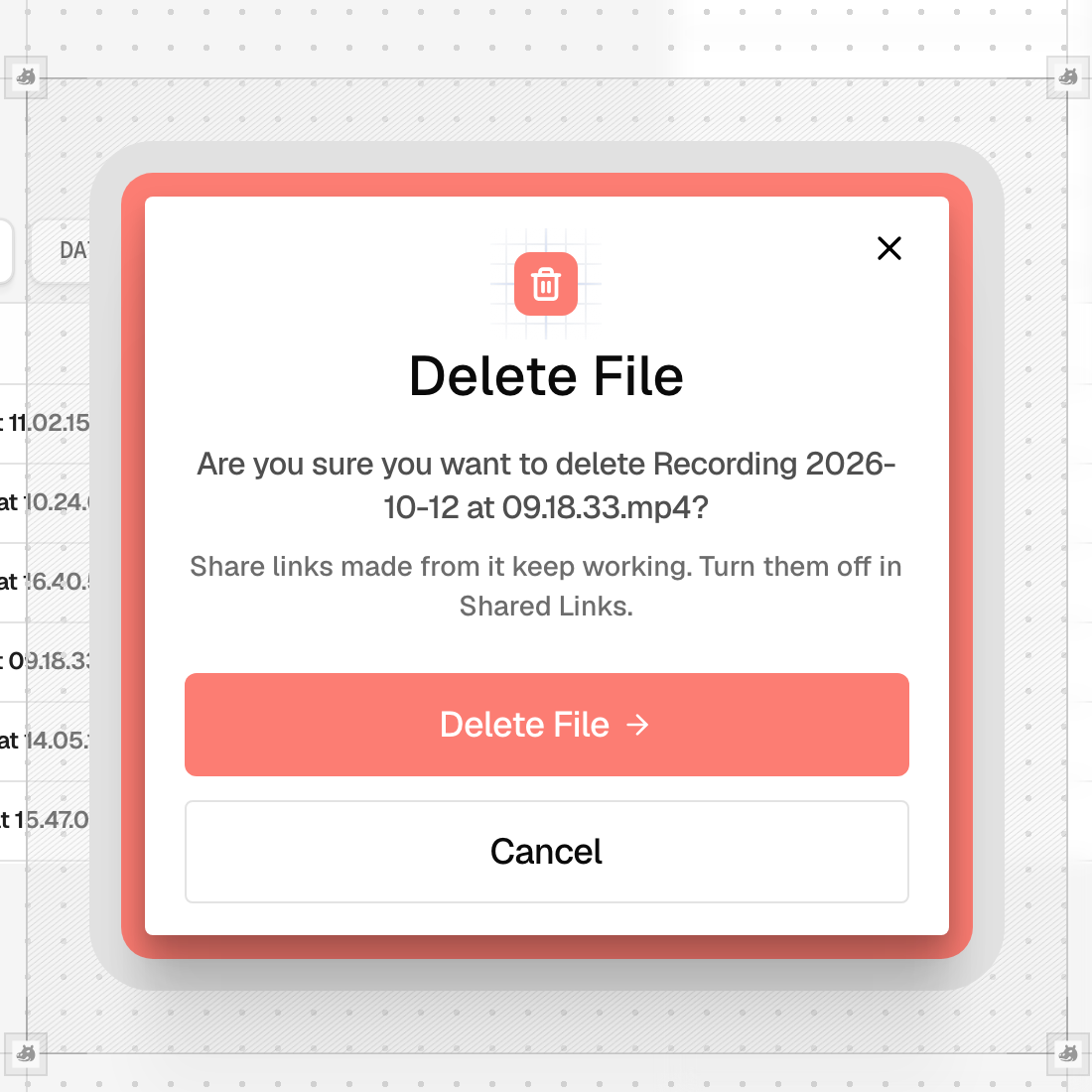
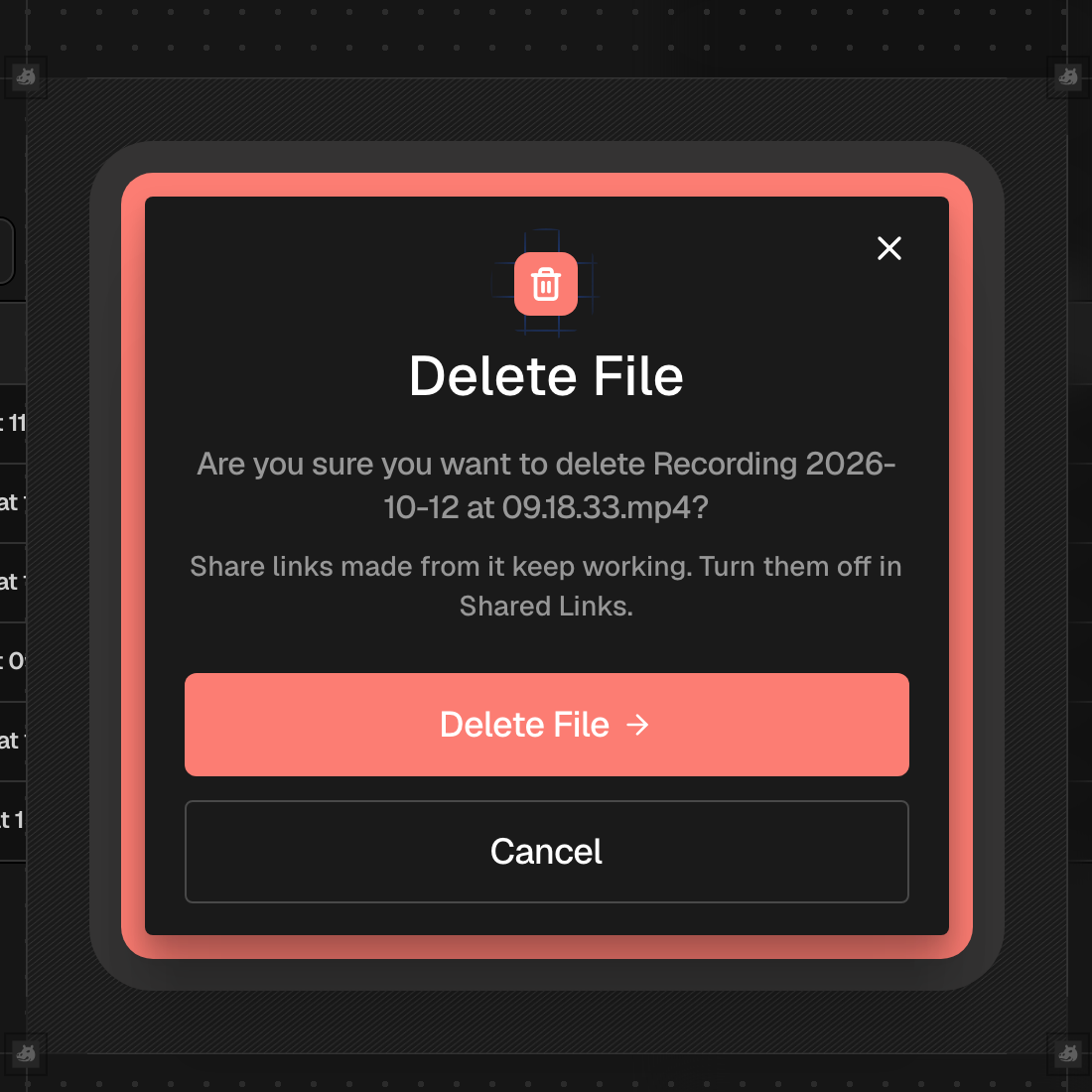
This one surprises people, so it's worth spelling out. A share link is its own encrypted copy of the file, made when the link was created. Deleting the capture from your Drive removes your copy, but the link's copy stays, and the link keeps working.
The delete confirmation reminds you of this. If you want a capture gone for everyone, revoke its link in Shared Links as well as deleting the file. The order doesn't matter.
The same goes for edits. If you edit a screenshot and replace the original, a link made before the edit keeps showing the old picture.
A link with an expiry or a password
If you'd rather a capture link ended on its own, or needed a password, make one the usual way:
- Find the capture in Captures, open its row menu and choose Share via link.
- Choose when the link should expire, and tick Require a password if you want one.
- Send that link, and revoke the automatic one in Shared Links.
In the desktop app you can stop links being made automatically. Turn off Copy a share link after capture in the capture bar's Options, or in Settings, under Screenshots & Recording. Your captures are then only saved to your drive, and you share the ones you choose, when you choose. In the console every capture gets its link.
Storage
Like every share link, a capture link keeps its own encrypted copy of the file on Hippius. While the capture is still in your Drive, the link adds nothing to your storage. If you delete the capture and keep the link, the link's copy counts toward your storage until you revoke it. See Storage usage for the details.
Where to go next
- Shared Links in the console and in the desktop app: everything about managing links.
- Edit a screenshot before you share it.
- Troubleshooting & FAQ, including custom domains for links.