Your Account and Password
Hippius keeps your captures private by giving you the keys, not us. That's why there's an account, a password and a connection step. Once you know what each one does, the prompts make sense, and you'll know what to expect after a browser restart.
Why you need a Hippius account
Every screenshot and recording is saved to your own Hippius Drive, in your captures drive, and its share link is made from there. The extension uploads only to the account you connect, never to a server of its own.
That's what lets your captures outlive the extension. Remove it, switch computers or change browsers, and your captures are still in your Drive, where you can open them in the console or the Hippius apps. It's also what keeps them private: they're encrypted with your account's keys, and those keys are locked with a password only you know.
Signing in and your unlock password
You'll meet two different things that both feel like a password, and they do different jobs.
Your sign-in is Google, GitHub or Apple (or a 12-word access key). It proves to Hippius who you are.
Your unlock password is one you create in Hippius. It opens the keys that encrypt your files, and it never leaves your computer. Because Hippius never sees it, we can't reset it. If you forget it, the 12 words the console showed you when you set it (your recovery phrase) get you back in. The console sometimes calls those words your recovery seed or mnemonic seed. They're the same thing.
A brand-new account doesn't have an unlock password yet. Set one in the console before you connect: click your account at the top right, choose Settings, then click Set Password next to Unlock Password. Set your unlock password has the steps.
Why the console asks for your password
To hand the extension the key to your captures drive, the console first has to open your keys, and they're locked with your unlock password. So when you click Connect, the console's Connect Extension dialog asks for it. The password stays in the console. The extension never sees it.
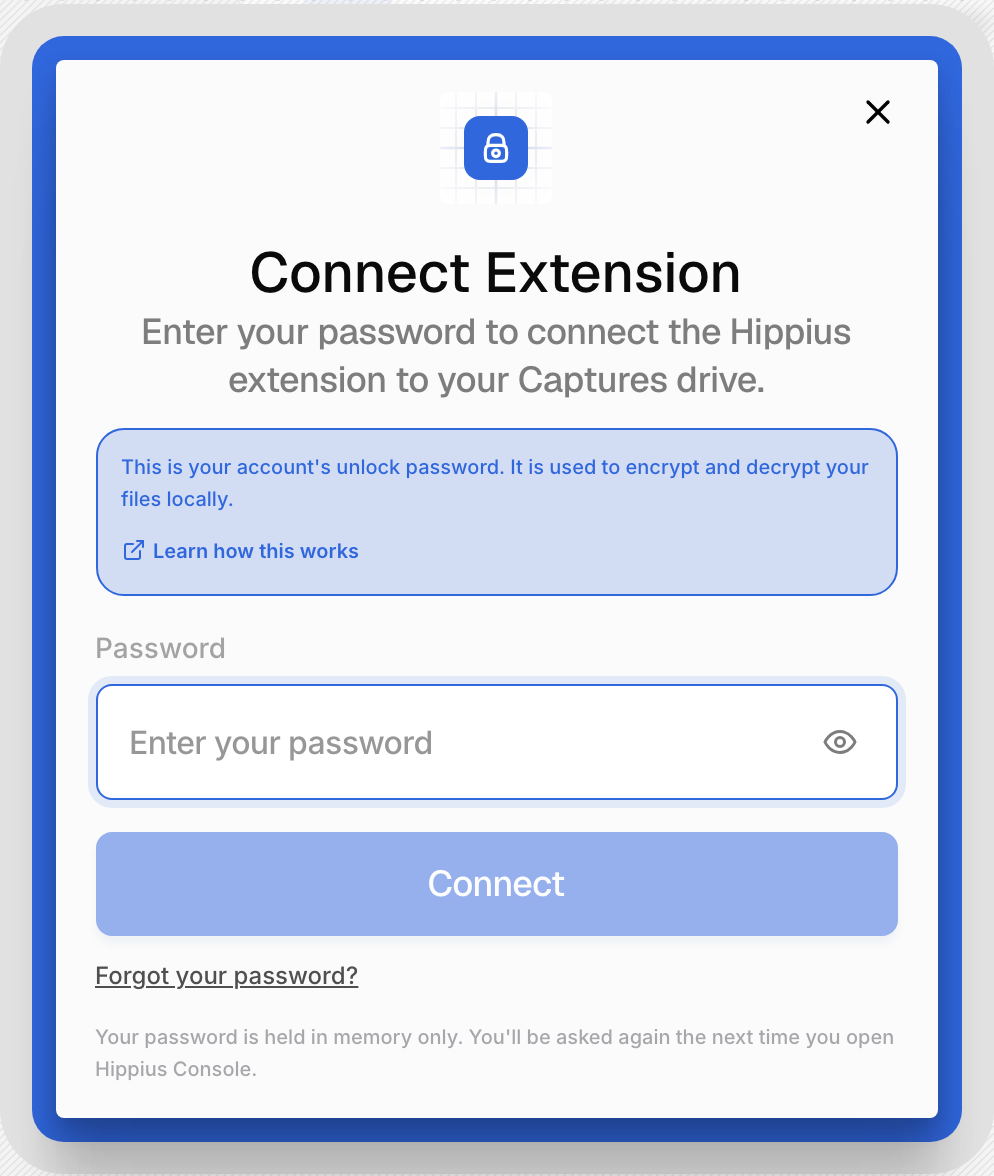
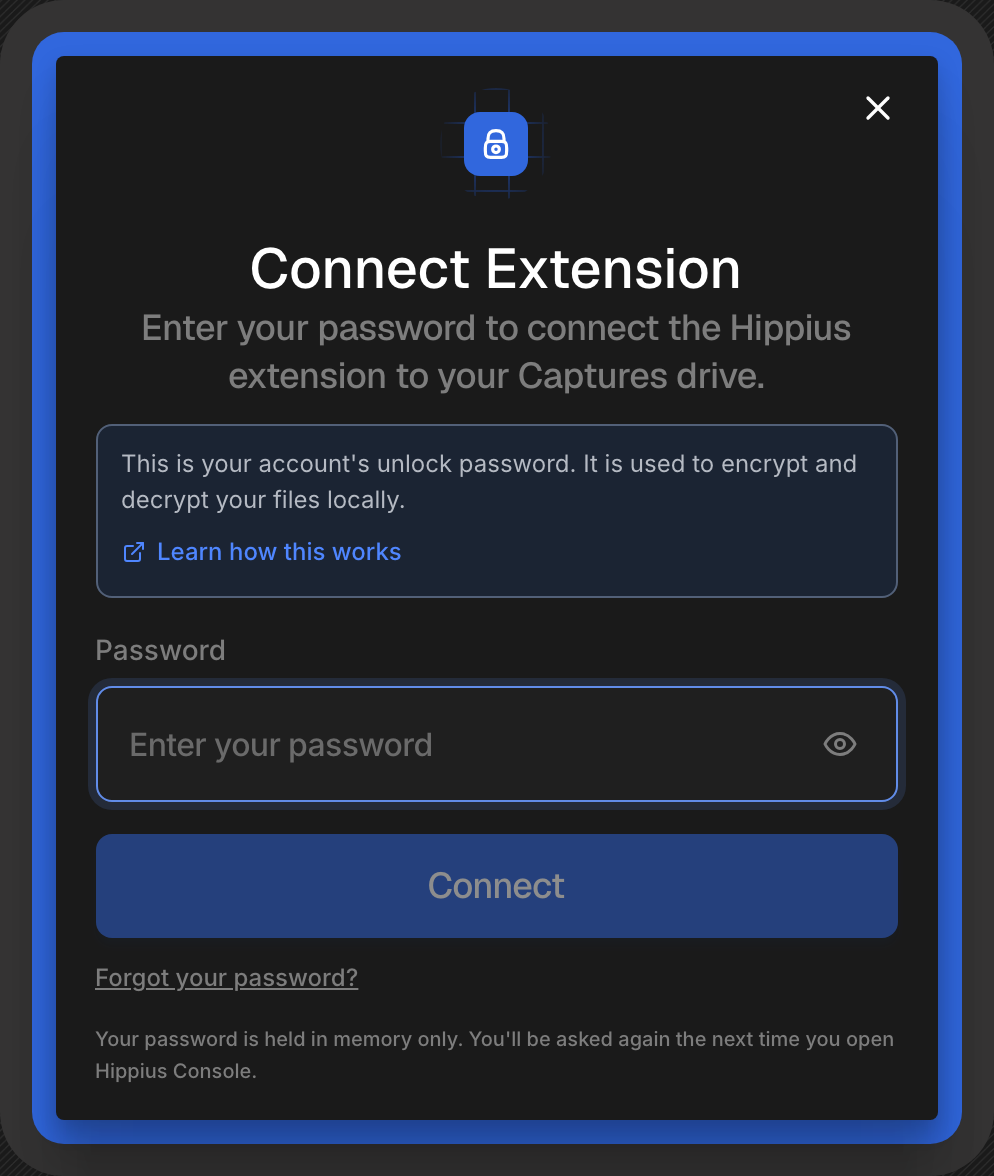
If you've already entered it in this console tab, the console doesn't ask again. If you've forgotten it, click Forgot your password? in the dialog and use your 12 words. If you forget your password walks you through it.
Staying connected
The connection is kept only while your browser is open, and it's never saved to your computer. That's on purpose: nothing that can save to your account is left behind on disk. It ends when you close your browser, disconnect in the extension or sign out of the console, and also when your console sign-in runs out, after about a month.
After a restart, the popup greets you with Connect your Hippius account again, just as it did the first time. Click Connect account, and on the console page click Connect. The console may ask for your unlock password again, because a fresh console tab doesn't remember it either.
If the connection ends while the browser is still open, because you signed out of the console or your sign-in ran out, the popup tells you your session ended and offers to connect again. Connecting again works the same way.
Captures you take while you're not connected
You can capture before you've connected, or after a restart before you connect again. Capture without saving on the popup gives you Record and Screenshot, and the keyboard shortcuts work too.
There's no key to encrypt those captures with yet, so they wait on your computer unencrypted. The popup and the capture card both tell you so. As soon as you connect, they're encrypted on your computer and then saved to your Drive like any other capture. If something on your screen is sensitive, connect before you capture it.
Captures that were already encrypted before the connection ended, for example one that couldn't upload because you were offline, stay encrypted. They wait for the account that took them, and save once that account is connected again. They never end up in someone else's Drive.
Switching to another account
To use a different Hippius account, disconnect first, with the button next to your account at the bottom of the popup or in Settings, then connect again while signed in to the other account in the console. When your session ends, the popup also offers Use a different account. The extension never switches accounts on its own.
Where to next
Your account is set. Take a Screenshot or Record Your Screen to put it to work, or read Privacy and Permissions for exactly what the extension receives when you connect.