Unlock Password
Introduction
Your unlock password protects the key that encrypts your files. The console asks for it the first time you upload, preview or download a file in a session, then keeps the key in memory until you close the tab.
You can now set it up in the console itself. You no longer need to install the desktop app first.
Setting It Up
The console offers this the first time you do something that needs your encryption key.
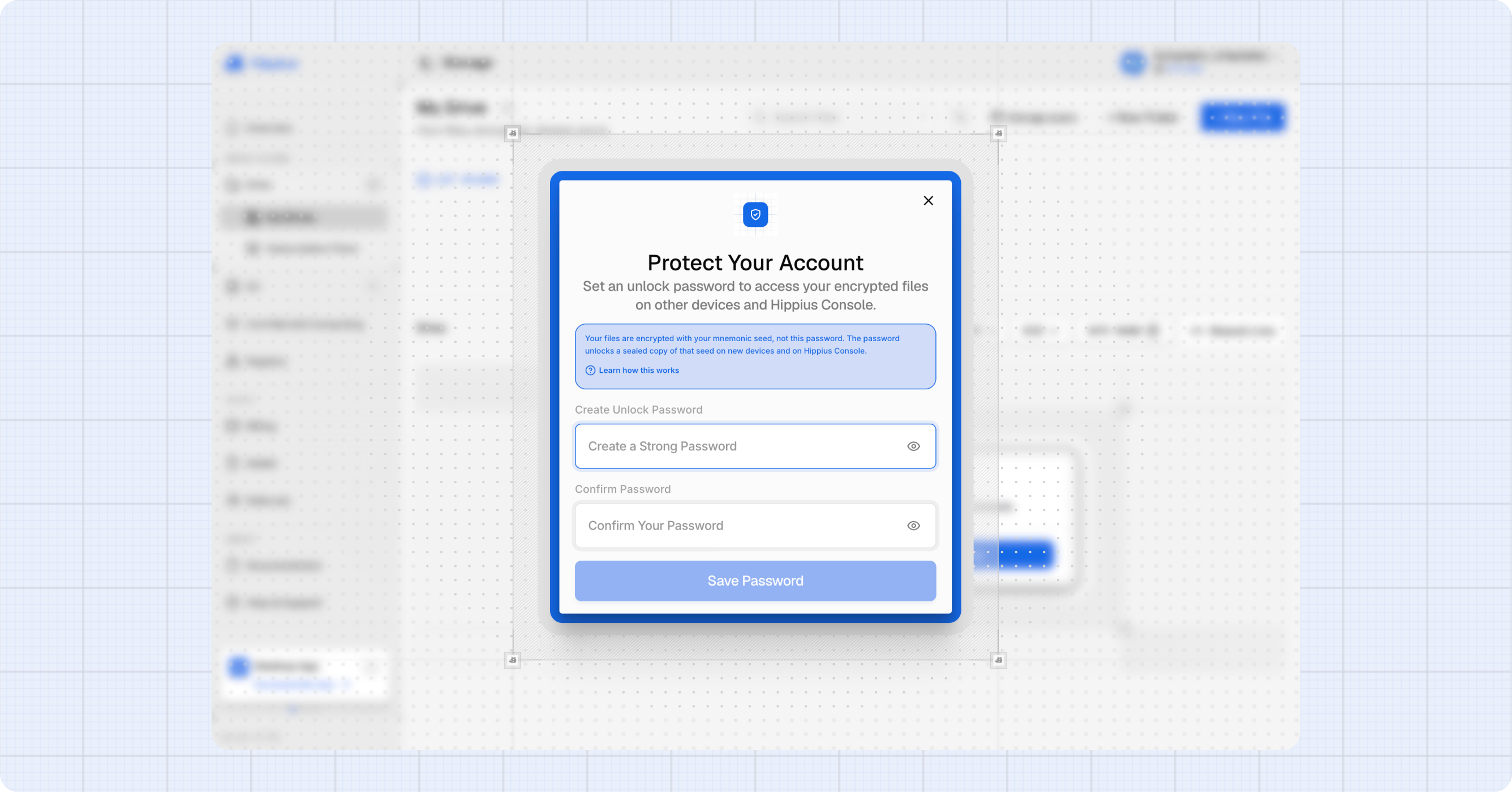
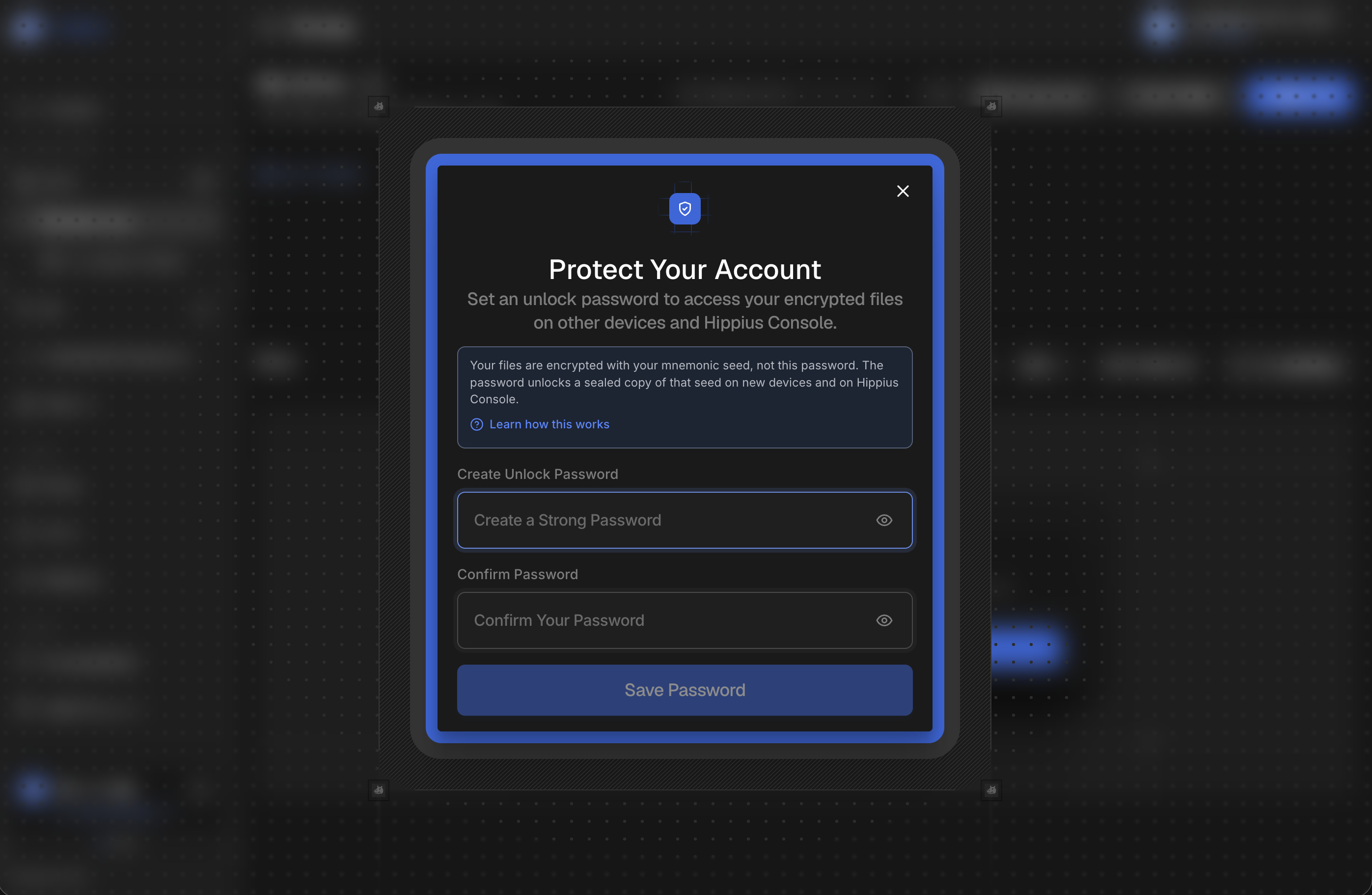
- Protect Your Account: choose an unlock password of at least 10 characters. The strength meter must read Strong before Save Password turns on.
- The console checks whether your account already uses an encryption seed. If you signed in with an access key, it may ask you to Confirm Your Access Key instead, because your access key is your seed.
- The console encrypts your seed with that password and saves it.
- Save Your Recovery Seed: if you signed in with Google, GitHub or Apple and the console created a new seed, it shows you the 12 words once. Write them down and confirm you have saved them.
Those 12 words are the only way back into your files if you forget your unlock password. Write them down somewhere offline. We do not keep a copy, and neither the password nor the seed can be recovered for you.
If your account already has files
An account that already holds encrypted files or shared drives already has a seed, and creating a second one would strand everything encrypted under the first.
So if the console finds existing data, it does not create a seed. It asks for your original recovery seed instead, and verifies it by actually decrypting one of your files before saving anything. If the seed you enter does not open your files, nothing is changed.
If your account already has a seed but no file the console can check it against, the console can't verify it and shows Finish Setup on Desktop. Set up your unlock password in the desktop app instead.
If You Forget Your Password
- In the unlock prompt, click Forgot your password?
- Click Use your mnemonic seed. The Restore Access dialog opens.
- Enter your 12 word recovery seed and choose a new unlock password.
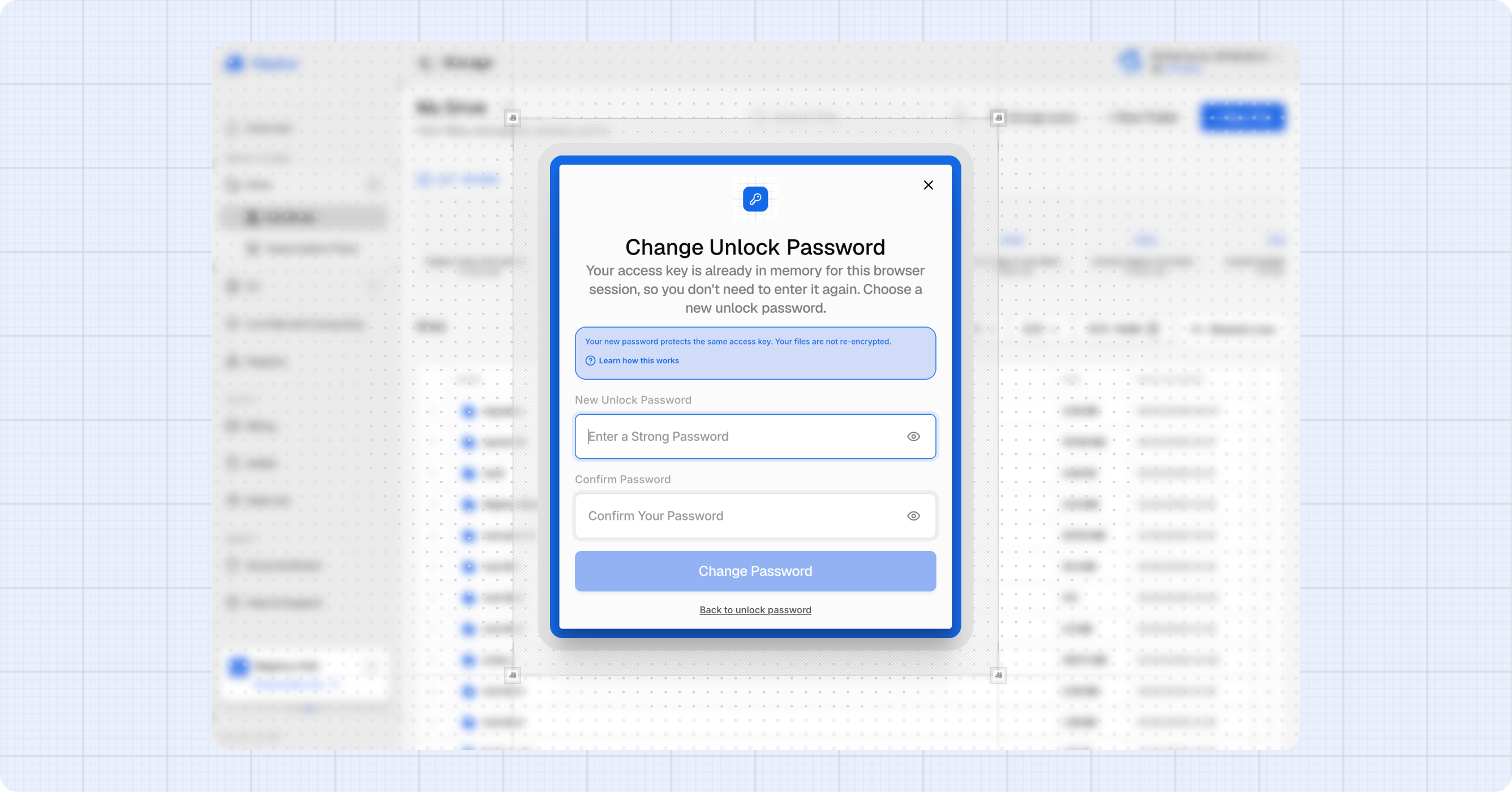
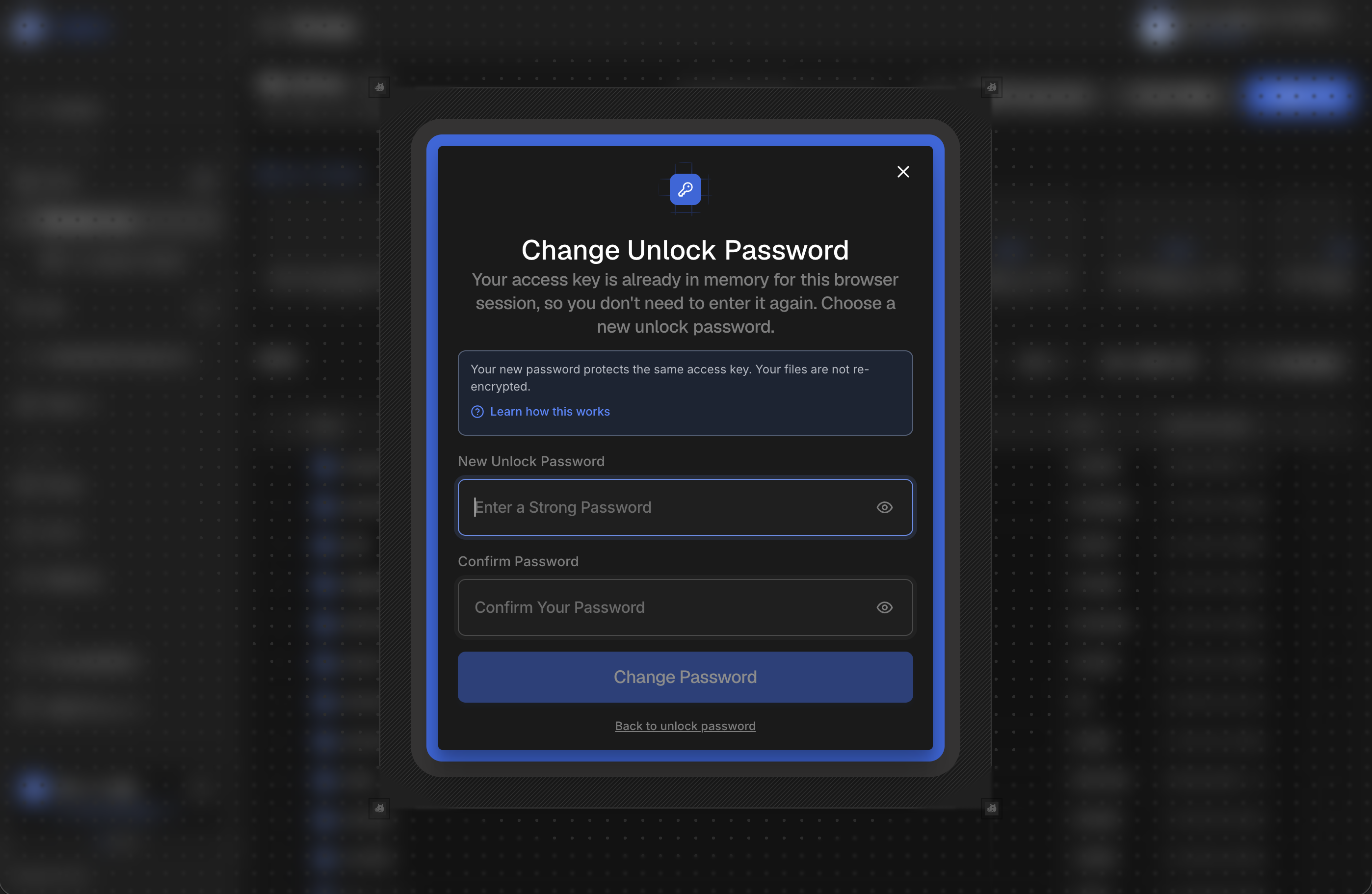
The console verifies the seed against your existing files before it saves the new password. The same Forgot current password? link is on the Change Password dialog in Settings.
Three outcomes are possible, and they are deliberately kept distinct:
| What you see | What it means |
|---|---|
| Access restored | The seed opened your files. Set a new password and carry on. |
| This seed does not decrypt your files | The seed is wrong. Your existing backup was not touched. |
| We couldn't verify this seed | Something went wrong reading your files, so we could not check either way. Try again. This is not a statement that your seed is wrong. |
That third case matters: a network problem is never reported as a wrong seed, because "your seed is wrong" is a frightening thing to tell someone who has typed the right one.
If You Have Lost Both
If you have forgotten your unlock password and lost your recovery seed, your encrypted files cannot be recovered. Not by you, and not by us. There is no reset, because there is nothing on our side to reset: we never hold the key.
This is the trade for files nobody but you can read. Keep the seed somewhere you will still have it in a year.
Where to next
- Drive: where the password is used.
- How Drive encryption works: what the password actually protects.