Overview
Introduction
The Overview is your console home page. Every time you sign in, this is where you land. It gives you a live snapshot of your credits, storage, and recent activity. Depending on your view, it also lets you take action on any of your services without navigating away.
You can switch between Normal and Pro view at any time from Settings.
Normal View
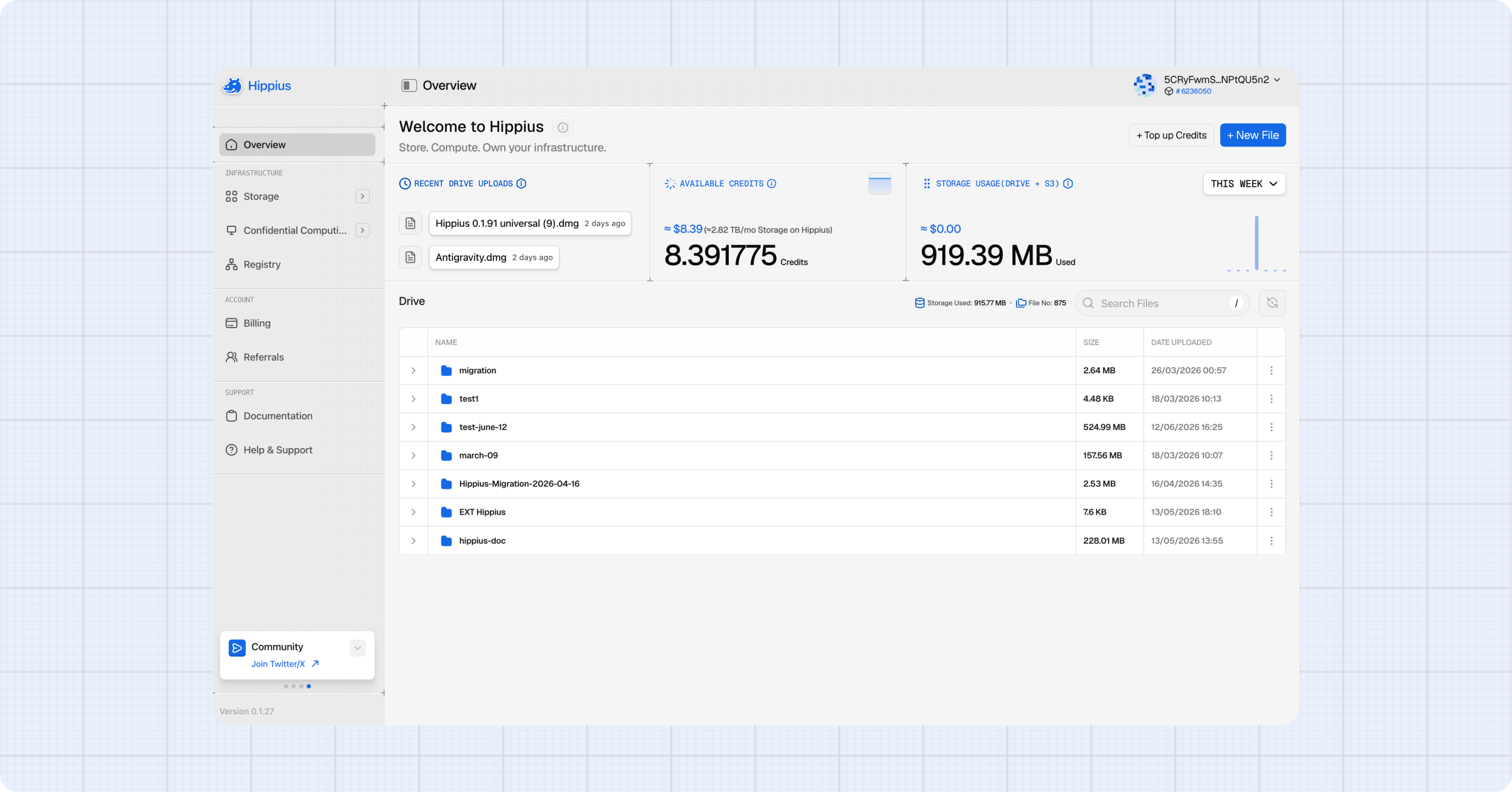
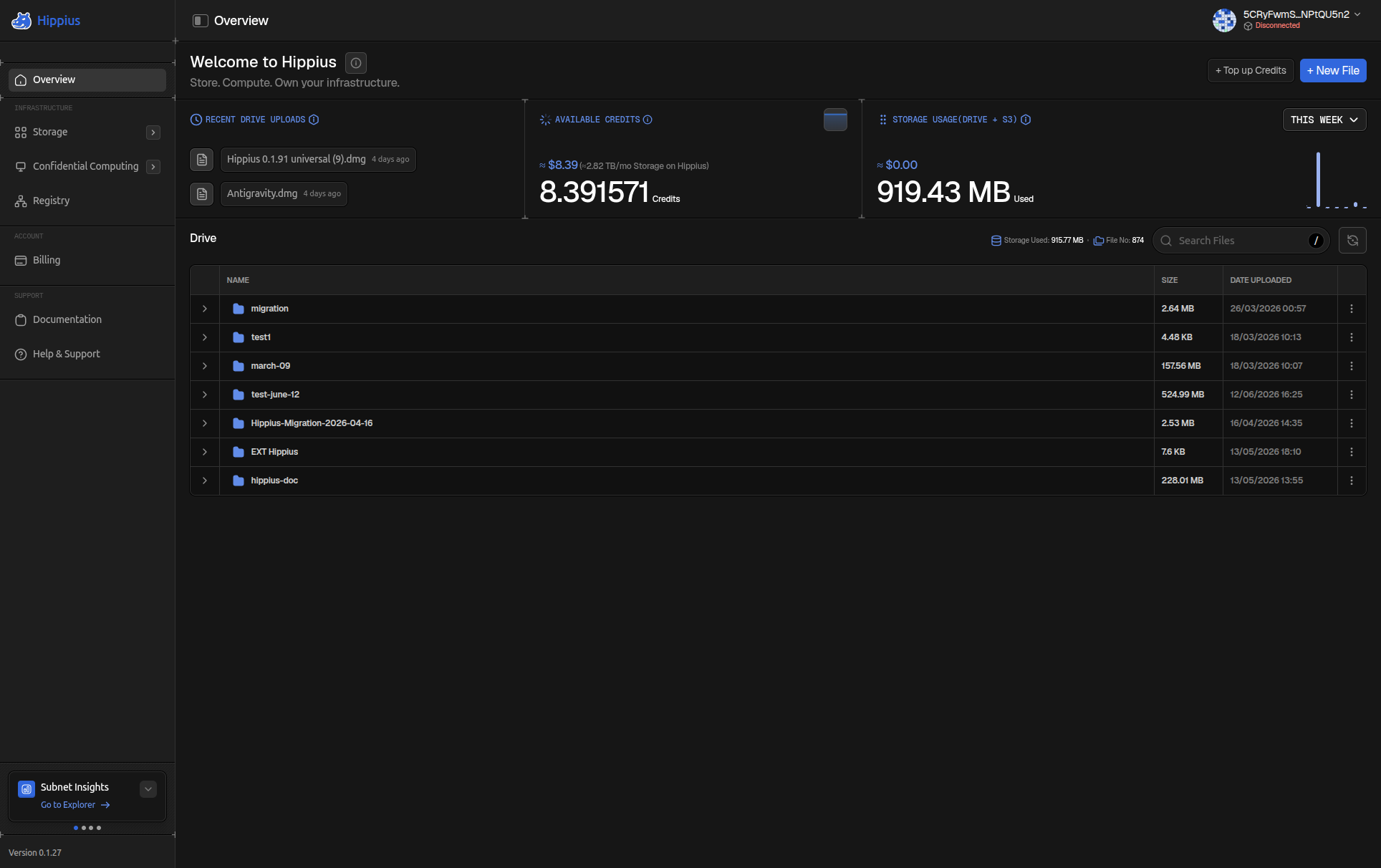
Normal is a clean, focused home base. It shows you the essentials at a glance without overwhelming you.
Three panels sit across the top of the page:
- Last Uploads: your most recently uploaded files with their file type and upload time.
- Available Credits: your current credit balance. Click the graph icon to expand your credit usage chart and see how your spending has changed over time.
- Storage Usage: how much Drive storage you're using. Click the graph icon to expand your usage chart over time.
Below the panels, the Files section shows all your Drive folders in a searchable table. Your total storage size and file count are shown at the top of the section.
Pro View
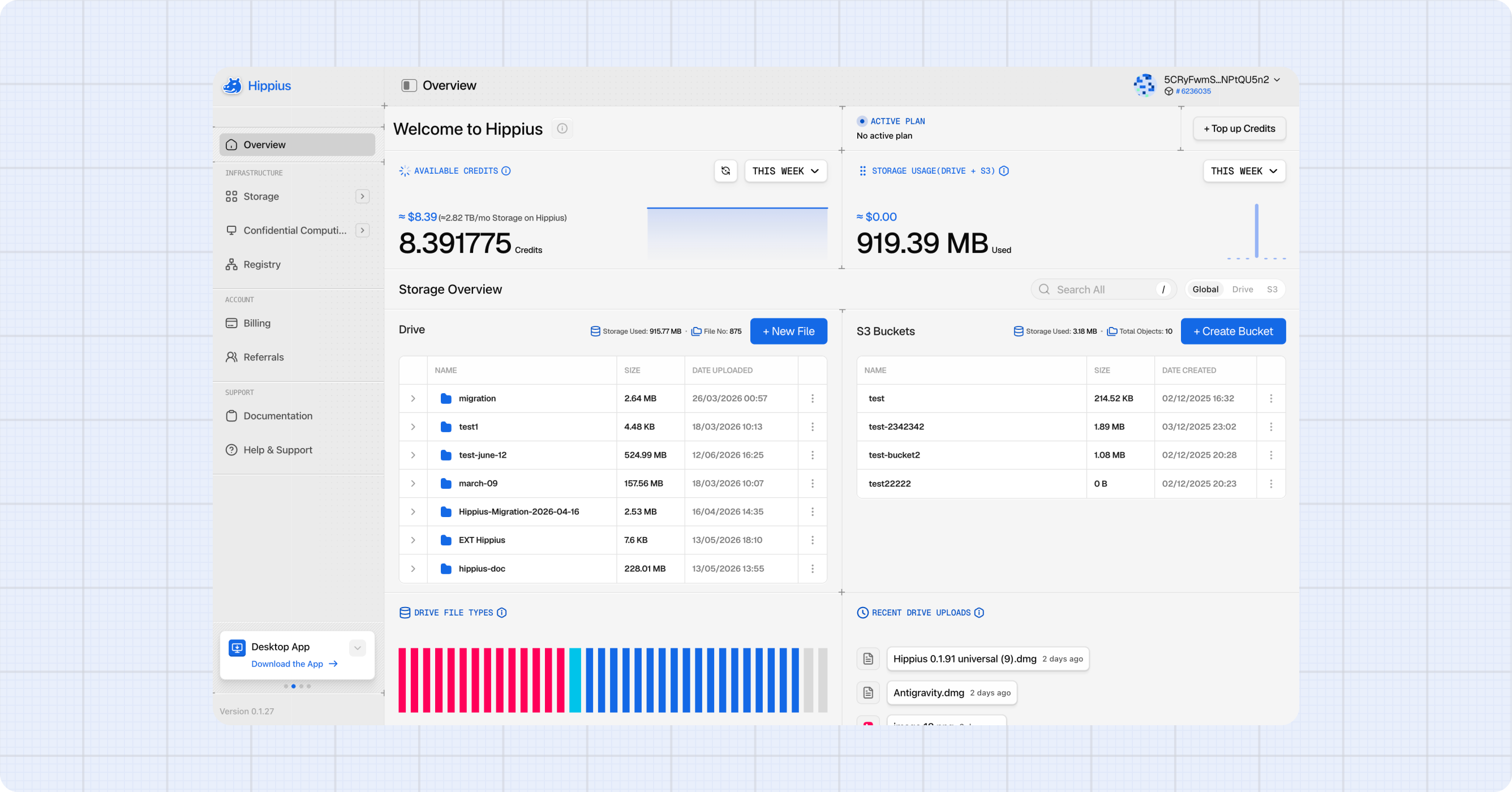
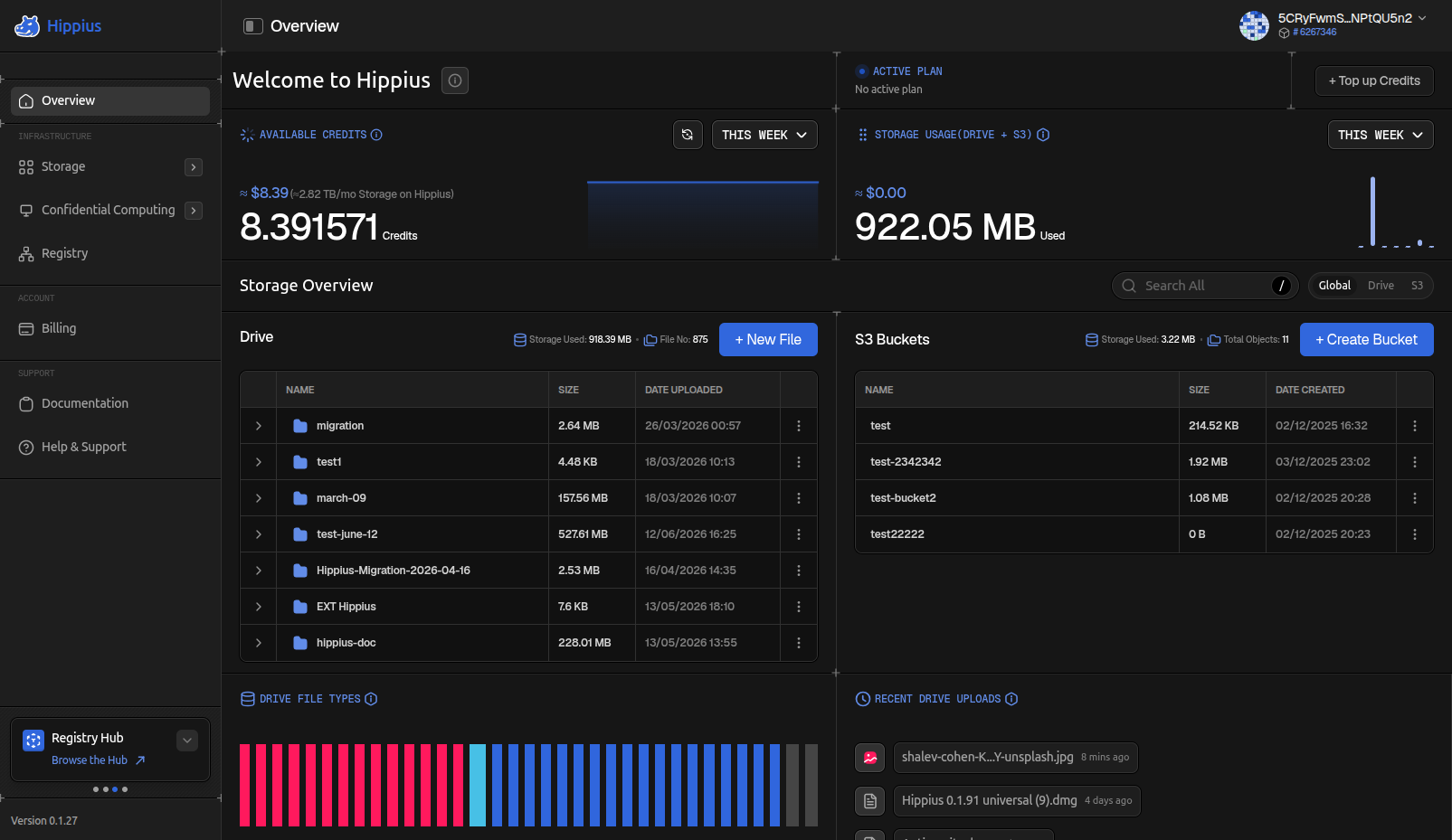
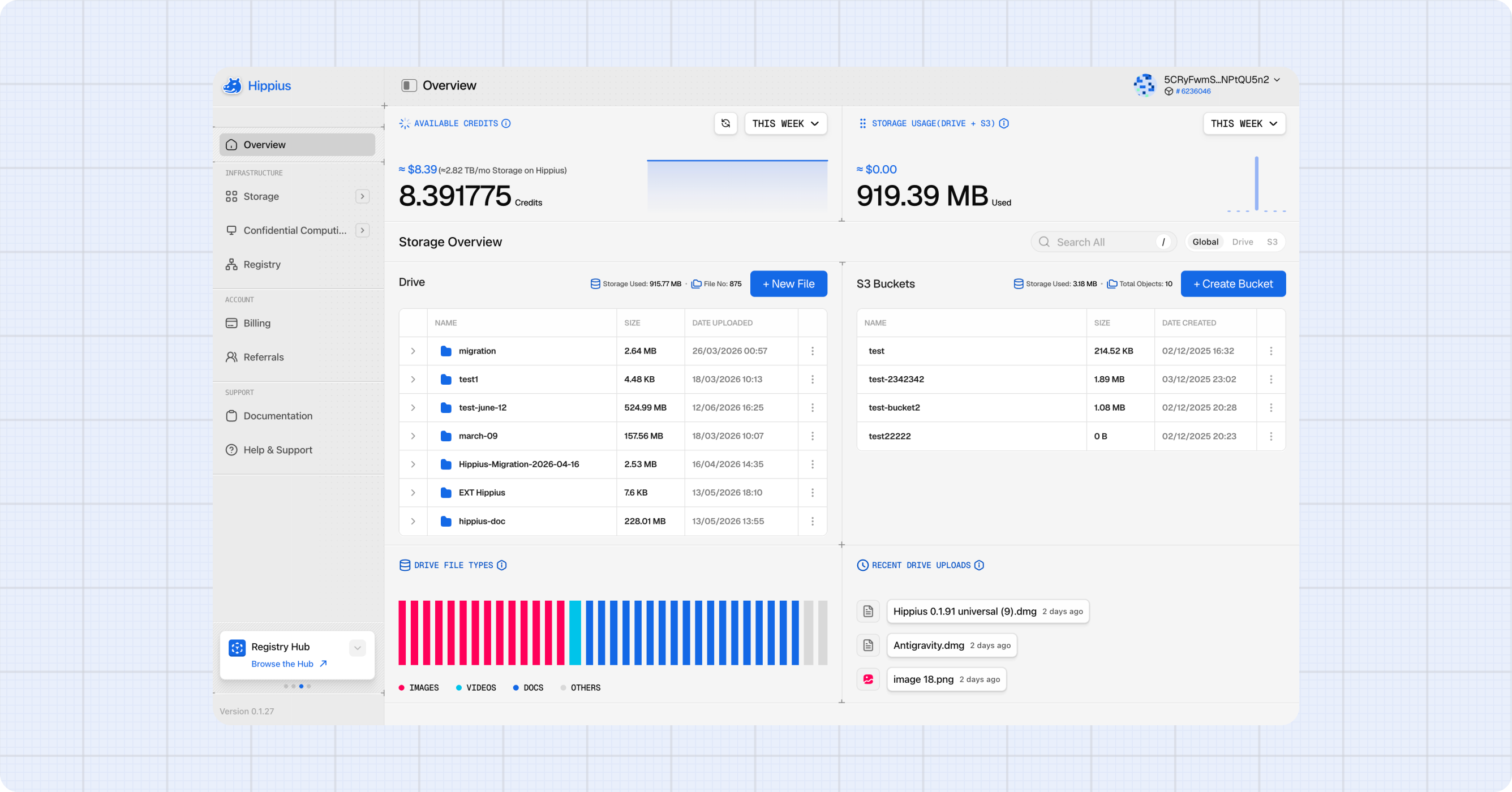
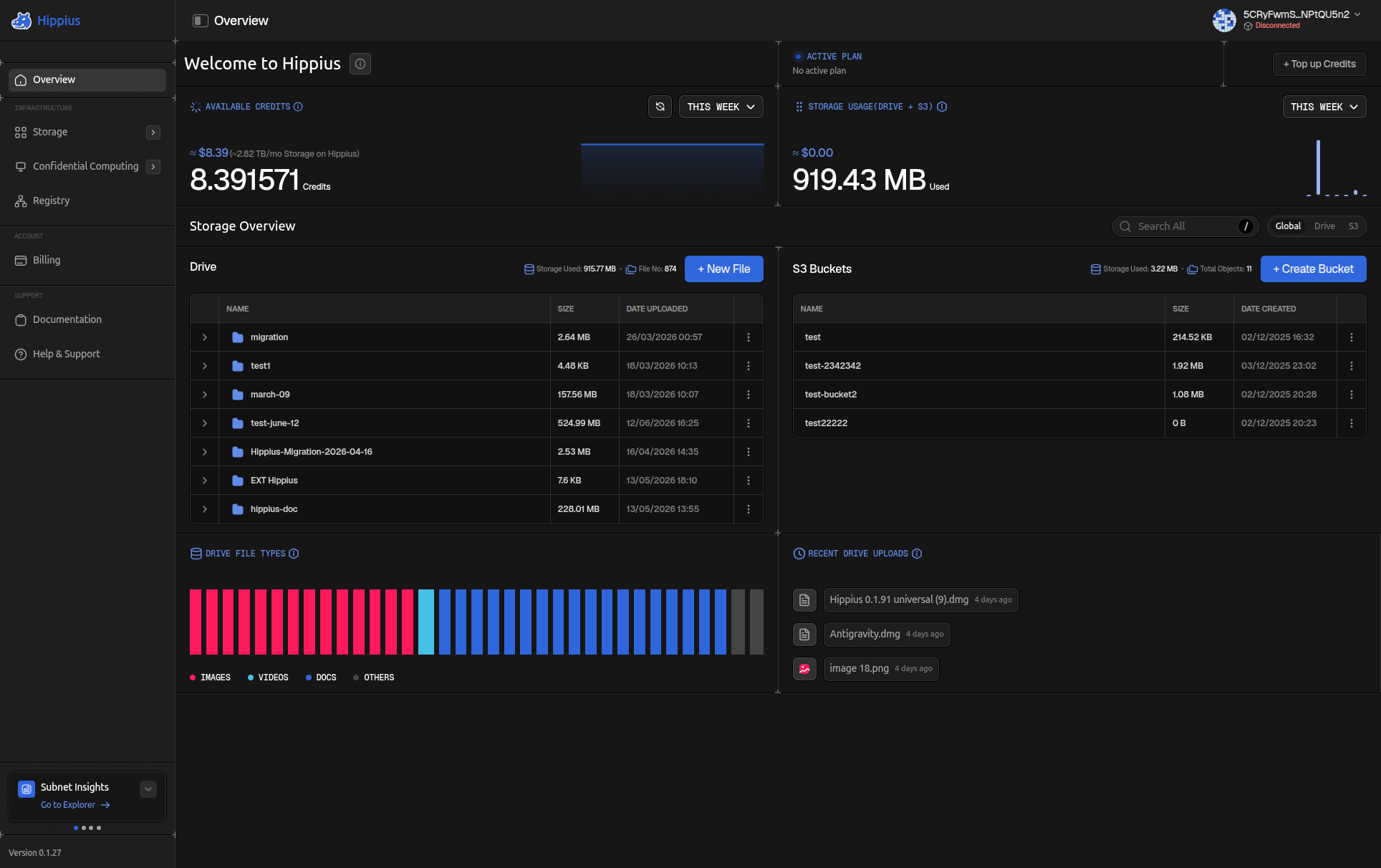
Pro turns the overview into a full control center. You can upload files, create S3 buckets, and top up credits, all without leaving the home page.
Two shortcut buttons sit in the top right: + Top up Credits and + New File.
The three panels across the top work the same as Normal, but the credit usage chart is always expanded and visible rather than hidden behind the graph icon.
Below the panels, a Storage Overview shows your Drive and S3 Buckets side by side:
- Files: your total Drive storage size and file count, a table of your folders, and a + New File button to start an upload right away.
- S3 Buckets: your total bucket count and object count, a table of your buckets, and a + Create Bucket button.
At the bottom of the page:
- File Storage Usage: a bar chart breaking down your Drive storage by file type: Images, Videos, Docs, and Others. Useful for seeing what's taking up the most space.
- Last Uploads: your most recently uploaded files with timestamps.
Service Status Banners
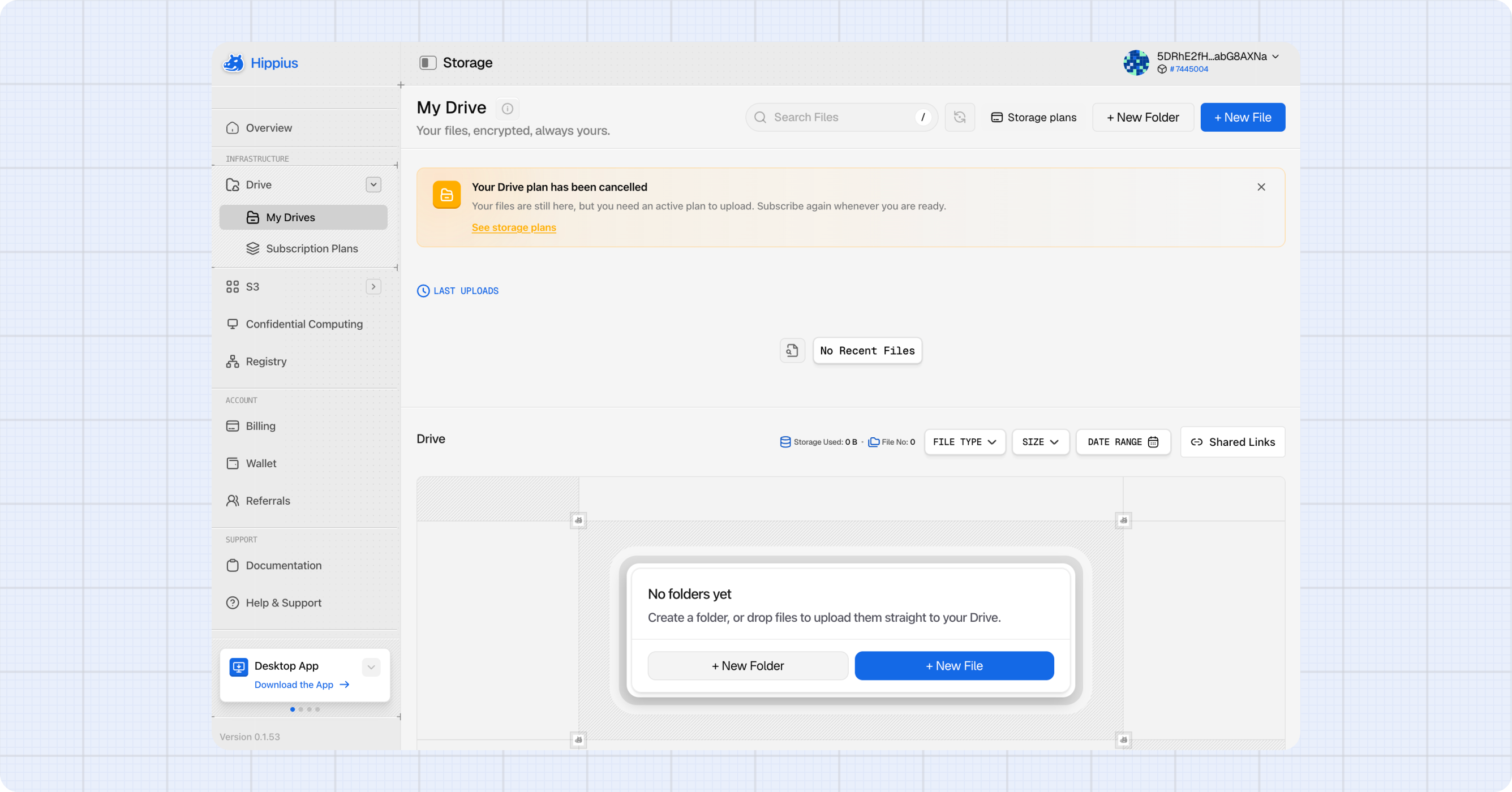
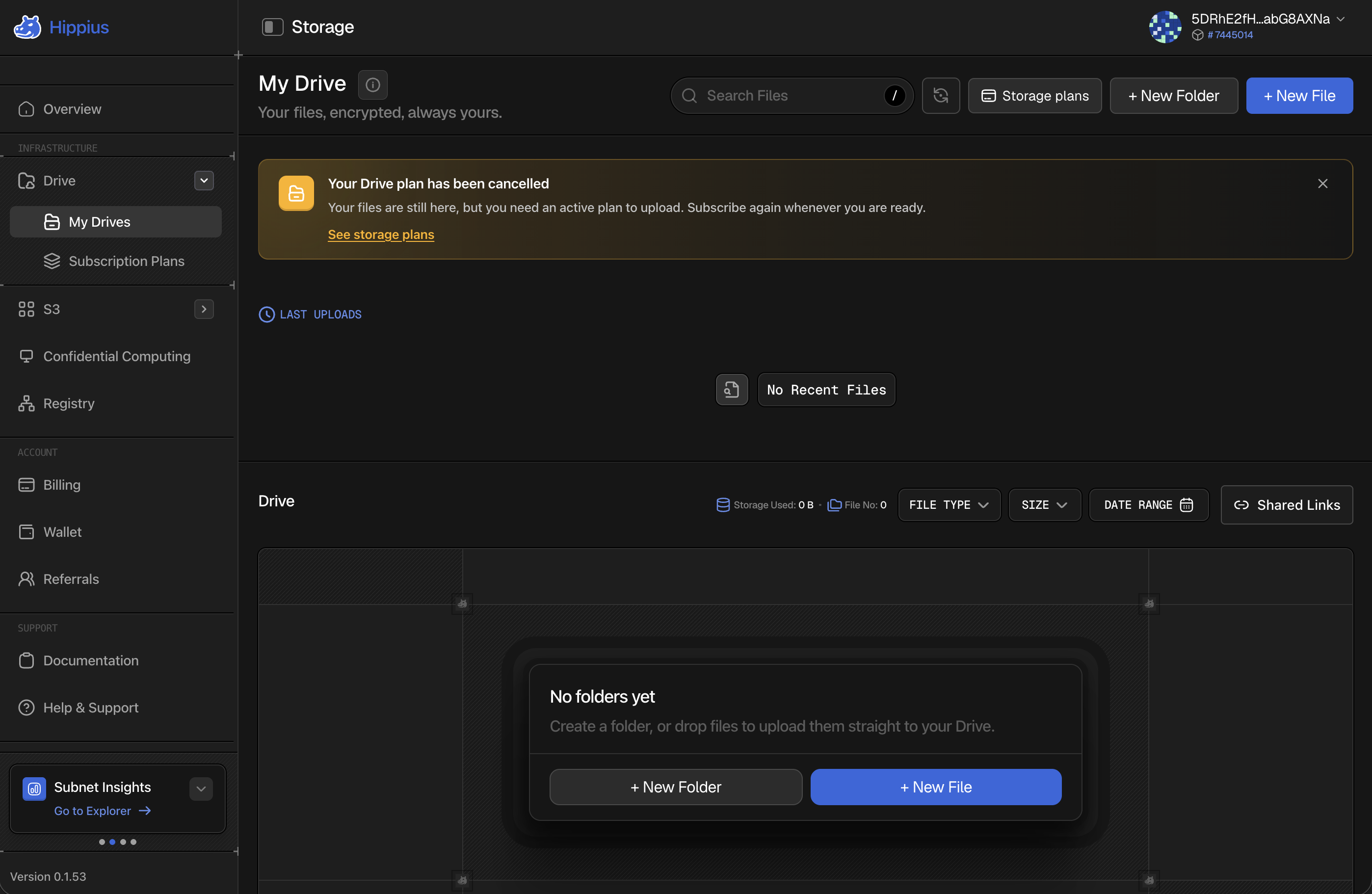
When one of our products is degraded or undergoing maintenance, a banner appears at the top of that product's own page rather than across the whole console. Drive problems show on Drive, S3 problems on S3, and so on, and the banner follows into that product's sub-pages.
This means the absence of a banner on a page is itself information: that product is fine, even if another one is not.
A banner can be dismissed once you have read it. It comes back if the situation changes.
Where to next
- Drive: upload and manage your personal encrypted files.
- S3 Buckets: manage your S3 compatible buckets and access tokens.
- Wallet: check your hAlpha balance, send and receive tokens.
- Staking: stake hAlpha to earn rewards.
- Billing: top up credits to keep your services running.
- Referrals: invite people to Hippius and earn commission on what they spend.
- Settings: switch between Normal and Pro view.