Staking
Introduction
Staking locks your hAlpha to help secure the Hippius network, and pays you rewards for doing it. hAlpha sitting in your balance earns nothing, so staking is how you put it to work.
You stake from the Stake hAlpha panel on the Wallet page. Every transaction is signed by your own extension, and we never take custody of your tokens.
Some networks ask you to pick a validator and manage your nomination. We do not. Staking here is a single amount-and-confirm step, and we handle the nomination behind it.
Reading the Stake Panel
We lead with the number that matters most, the amount you currently have staked, followed by your total position.
Underneath it, a coloured bar shows how much of your hAlpha is actually working, with a segment for each state you hold:
| State | What it means |
|---|---|
| Staked | Bonded and earning rewards. |
| Unstaking | In the 48 hour unbonding period, not yet redeemable. |
| Redeemable | Finished unbonding, ready to redeem. |
| Unstaked | Held but not put to work. This is what you can stake right now. |
If you are paid as a miner, your rewards land in your free balance and show up as Unstaked. We calculate that figure the same way the Stake dialog calculates MAX, so the panel and the dialog can never disagree with each other.
Hover the clock icon next to Unstaking and we show you Unbonding Details: every unbonding chunk listed separately with its own amount and remaining time. That matters if you unstaked on different days, because each chunk unlocks on its own schedule rather than all at once.
The hAlpha Coefficient
Next to the staked figure we show the hAlpha Coef. as a multiplier, for example 2.002x. Hover the info icon beside it for a short explanation.
It is how much more your hAlpha earns staked with us than it would if you staked natively on Bittensor. The Alpha we hold in the bridge is always earning, and those rewards go to the hAlpha people have staked, so your stake earns on more Alpha than you staked yourself.
2.002x means roughly twice the return of native Bittensor staking. It is not a percentage and not an APY, so do not read 2x as "2%".
It is also a network-wide figure rather than a promise about your account, and it moves as more hAlpha is staked and more Alpha is bridged.
You can see the figures behind it on the Staking page at hipstats.com, which publishes the total staked across the network, the number of stakers, and how the total has grown over time.
Staking hAlpha
- Open the Wallet page and check that the right account is selected.
- Click Stake hALPHA in the top right of the Stake panel.
- Enter the amount to stake, or click MAX to stake everything available.
- Click Stake and review the confirmation showing the amount and estimated gas fee.
- Click Confirm Staking and approve the signature in your extension.
- We show a success screen once the transaction finalizes.
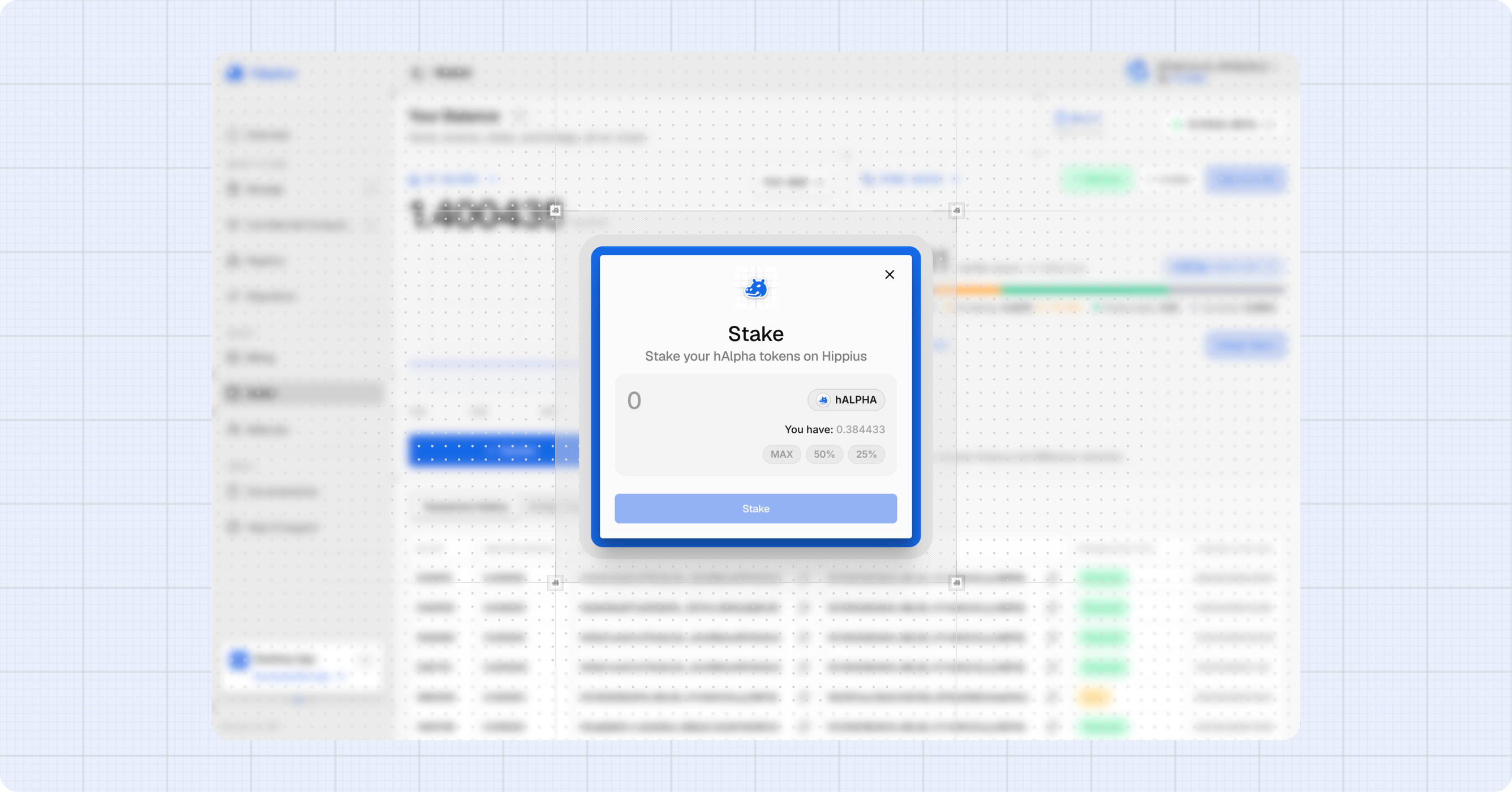
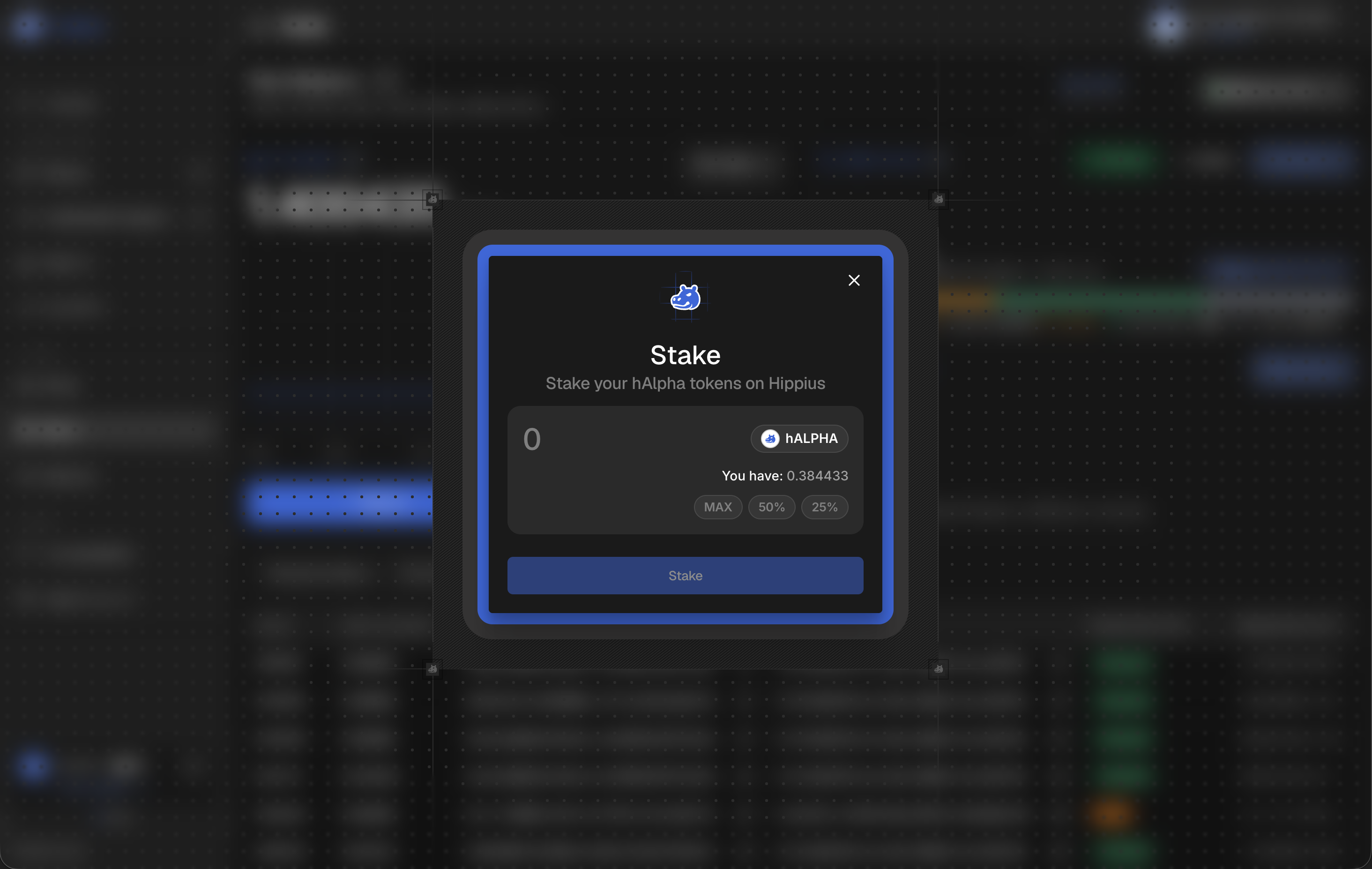
We hold back a small amount for gas. If you staked every last token you would have nothing left to pay for the unstake later, so we leave you the headroom deliberately.
Unstaking
The Unstake button only appears once you have something staked.
- Click Unstake.
- Enter the amount to unstake, or click MAX.
- Click Unstake, review the confirmation, then click Confirm Unstaking.
- Approve the signature in your extension.
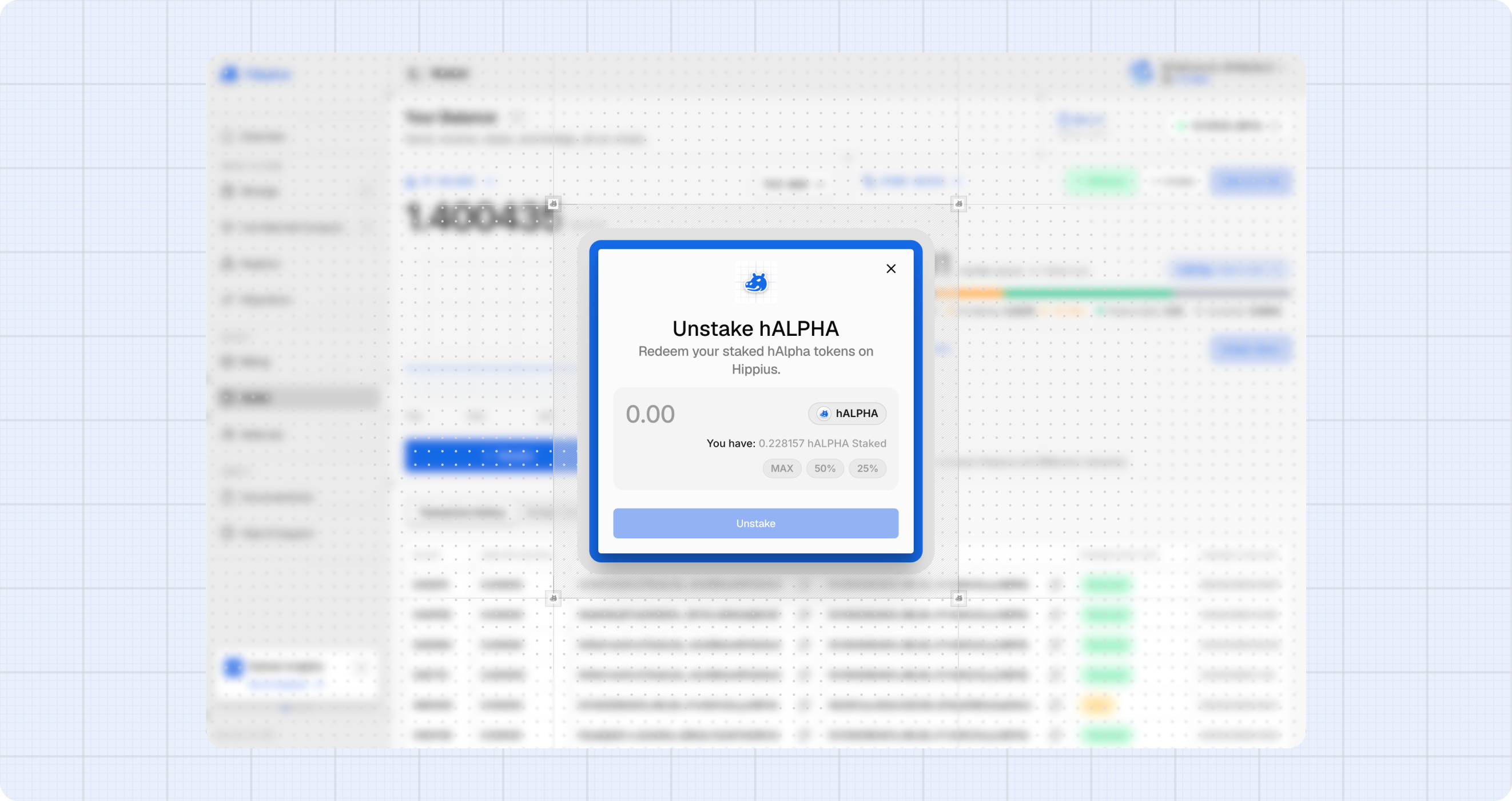
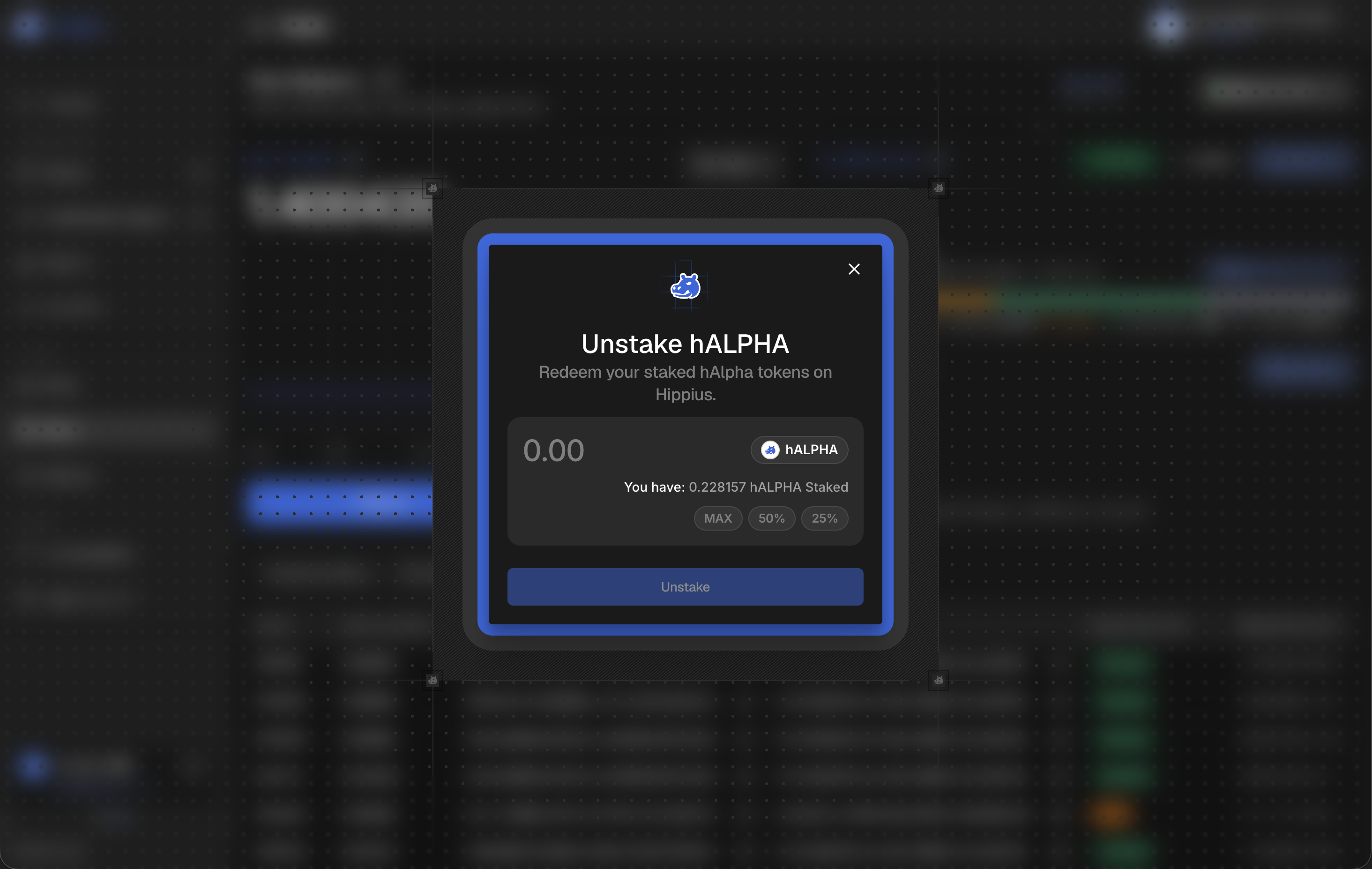
The amount moves into Unstaking and stops earning rewards straight away. Once the unbonding period ends we move it to Redeemable.
The unbonding period is 48 hours. Your tokens stay locked for that whole time before you can redeem them, and they earn nothing while they wait. Once you have started unstaking there is no way to speed it up, so plan ahead if you need the tokens for something else.
Redeeming
The Redeem button becomes available once you have a redeemable balance. While tokens are still unbonding we keep the button disabled and tell you roughly how long is left when you hover it.
- Click Redeem.
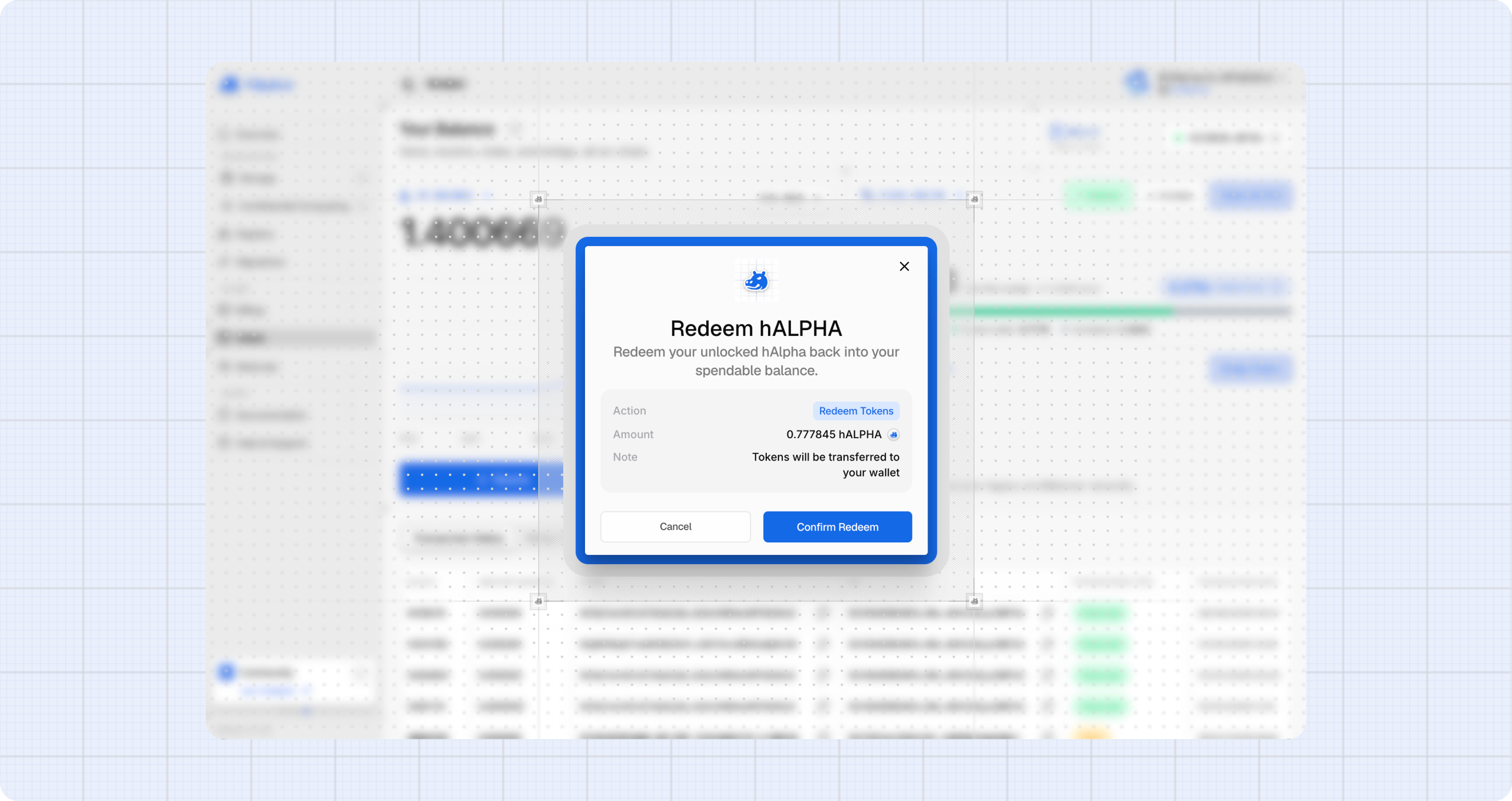
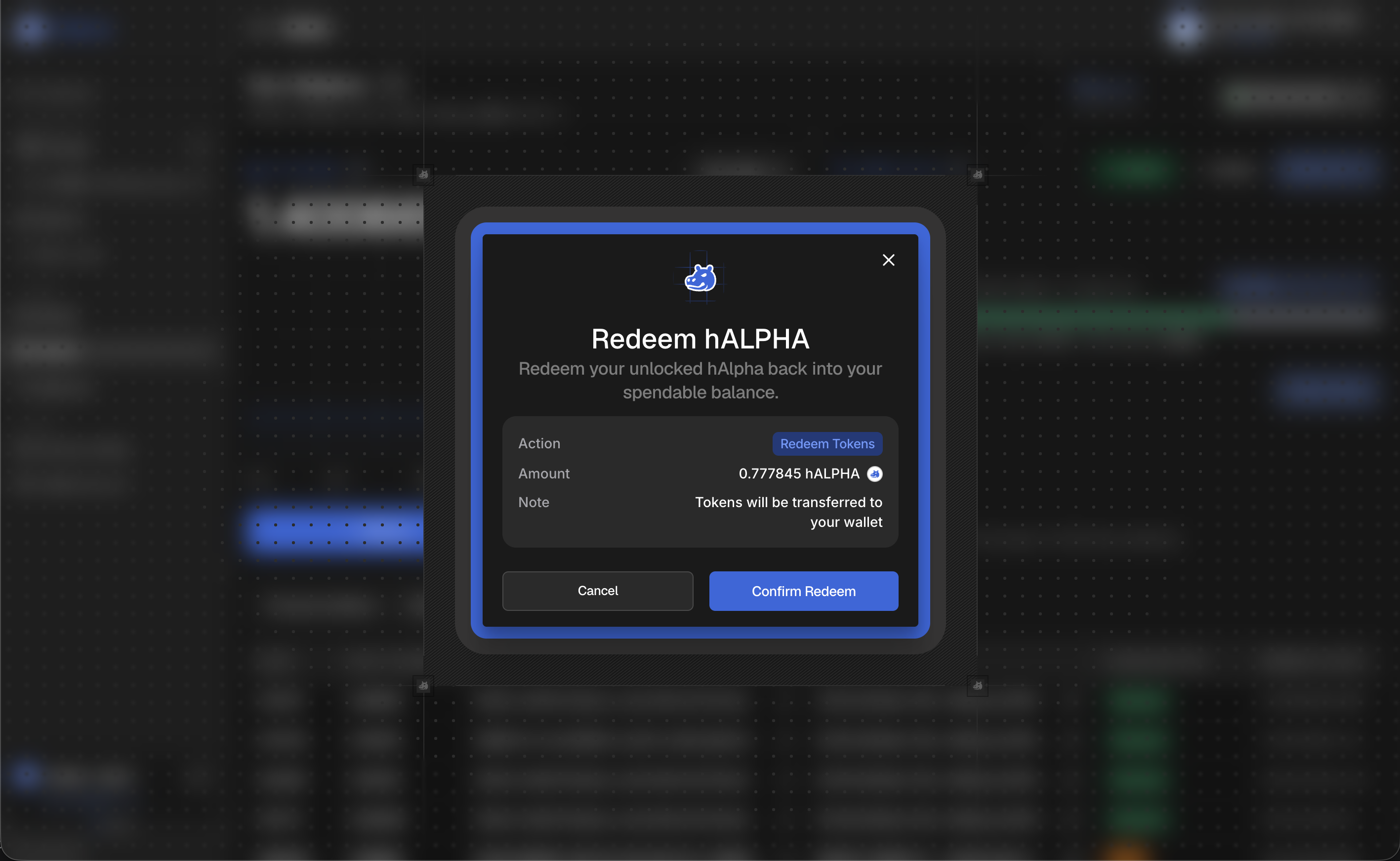
- Confirm the amount, which is your full redeemable balance, and click Confirm Redeem.
- Approve the signature. The amount moves into your free balance and shows as Unstaked.
Checking your rewards on the explorer
Staking rewards are paid on chain, so you can verify them yourself rather than relying on what the console shows:
- Staking: the whole network's staking picture. Total staked, how many accounts are staking, how the total has grown, and a table of every staking account with what it has earned.
- Accounts: search your address and open the Stake tab for your own bonding, unbonding and reward history.
- Hippocampus: if you also run a miner, this is where storage reward payments are listed, one row per payment with its block and extrinsic.
Troubleshooting
"Couldn't load staking info". We could not reach the chain, which usually happens on a fresh page reload before the connection is established. Click retry on the panel.
"Amount exceeds your available balance". Staked and unstaking hAlpha is not available to stake again. Check the Unstaked figure in the panel, which is the real ceiling.
"Amount exceeds your staked balance". You are trying to unstake more than you have bonded. Unstaking does not include amounts already unbonding or redeemable.
My rewards have not appeared. Rewards are paid per era, and a stake bonded partway through an era does not earn for that era. Give it at least one full era before comparing figures.
Where to next
- Wallet: balances, sending, receiving and transaction history.
- Bridge: move tokens between Hippius and Bittensor.
- Substrate Staking: how the staking mechanism works at the protocol level.