Hub
What Hub is for
Hub is where you keep your container images and AI models on Hippius. If you've used Docker Hub or the Hugging Face Hub, it works the same way: you push an image or a model from your machine, and pull it wherever you need it, whether that's a server, a CI pipeline or a teammate's laptop.
You push and pull from your terminal. The console is where you set Hub up, see what you've stored, decide who can pull it, and manage your plan. Find it under
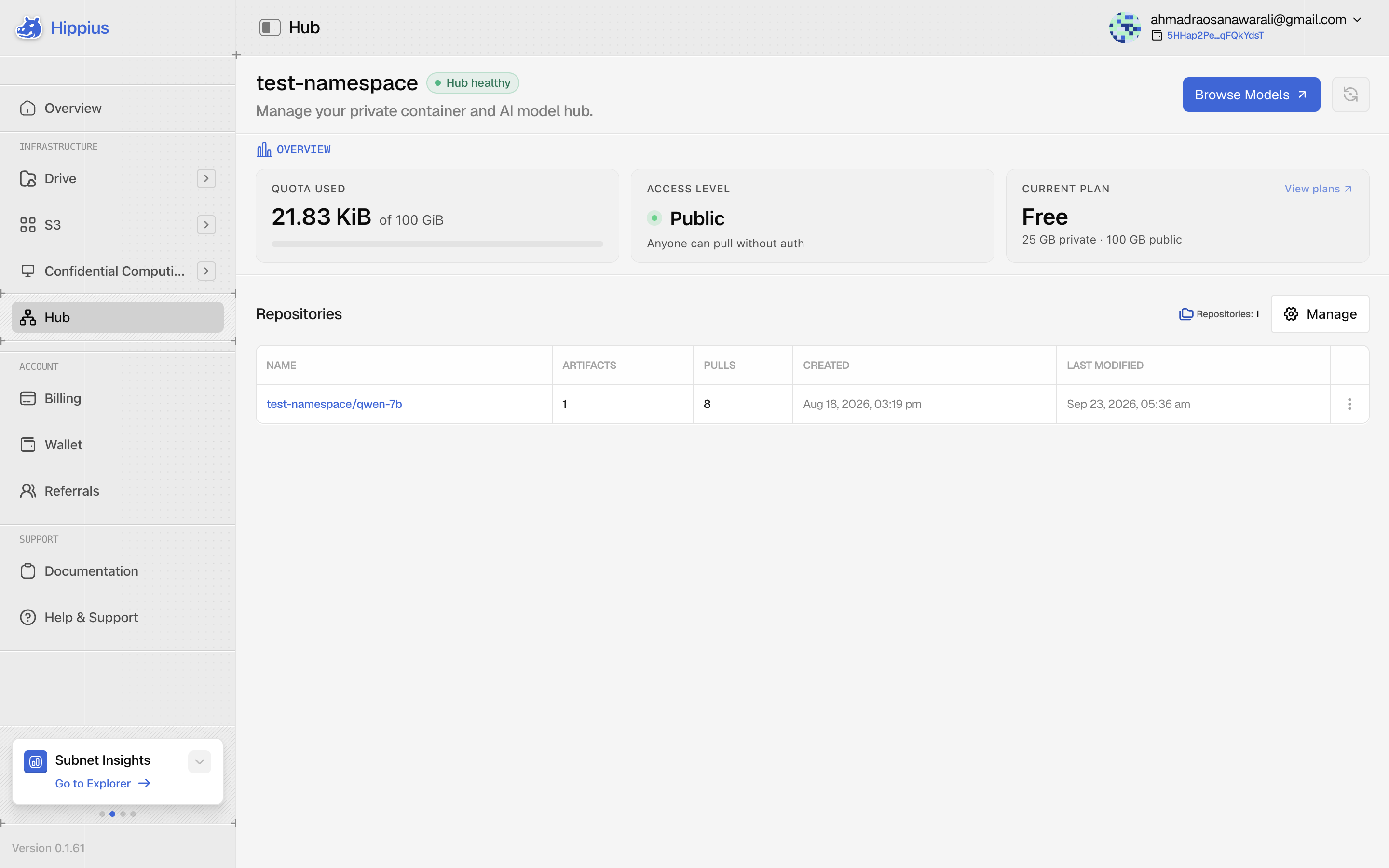
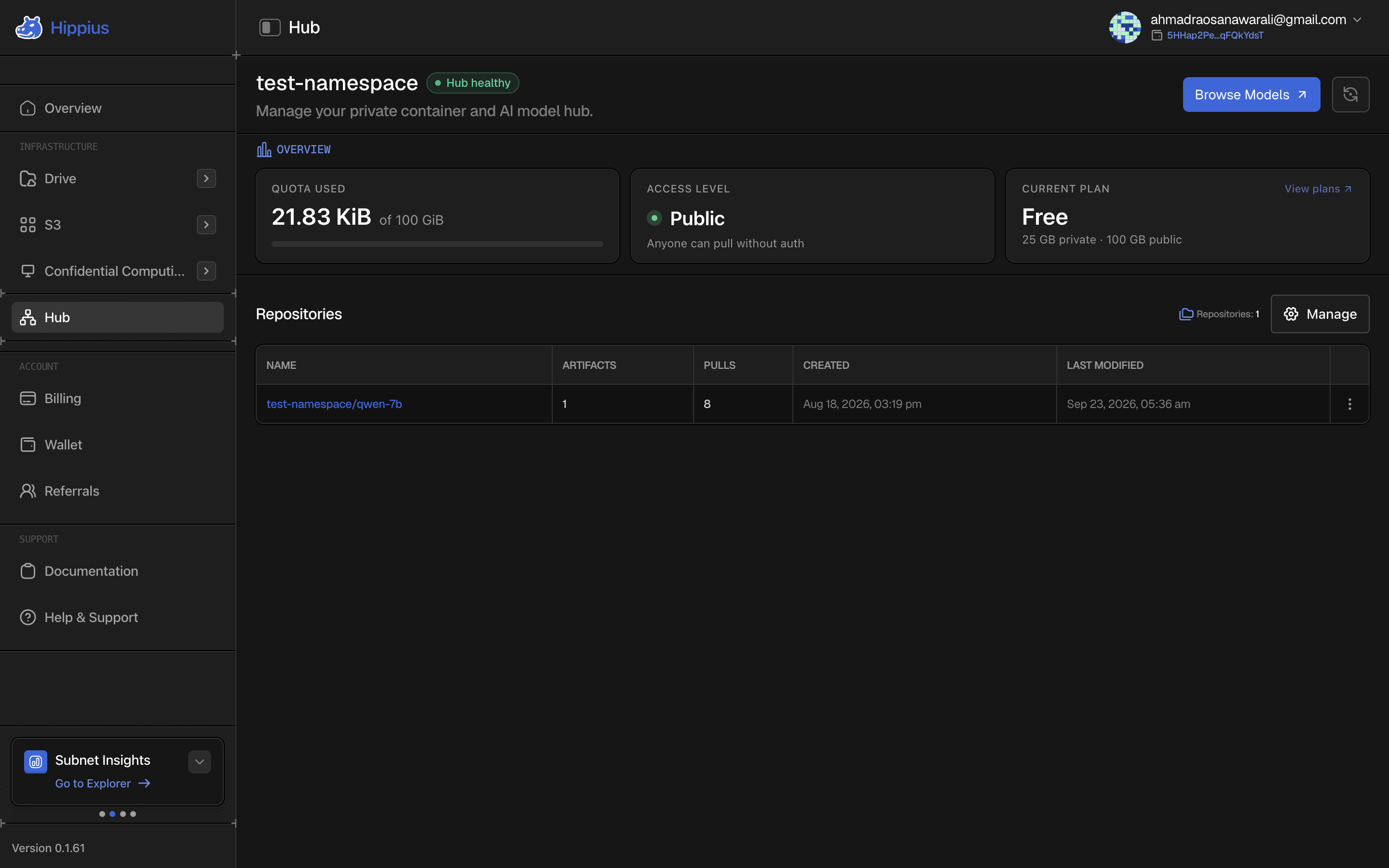
Only the name changed. The address is still registry.hippius.com and the CLI commands still start with hippius-hub registry, so nothing in your scripts needs updating.
Create your namespace
Before you can push anything, you need a namespace. It's your own space on Hub, and its name becomes the first part of every image you push:
registry.hippius.com/<your-namespace>/my-app:v1
The first time you open Hub, the console asks you to choose one. Type a name, and as you type it tells you whether the name is free. Then click Create namespace. We set it up and create your login for pushing, which usually takes a few seconds.
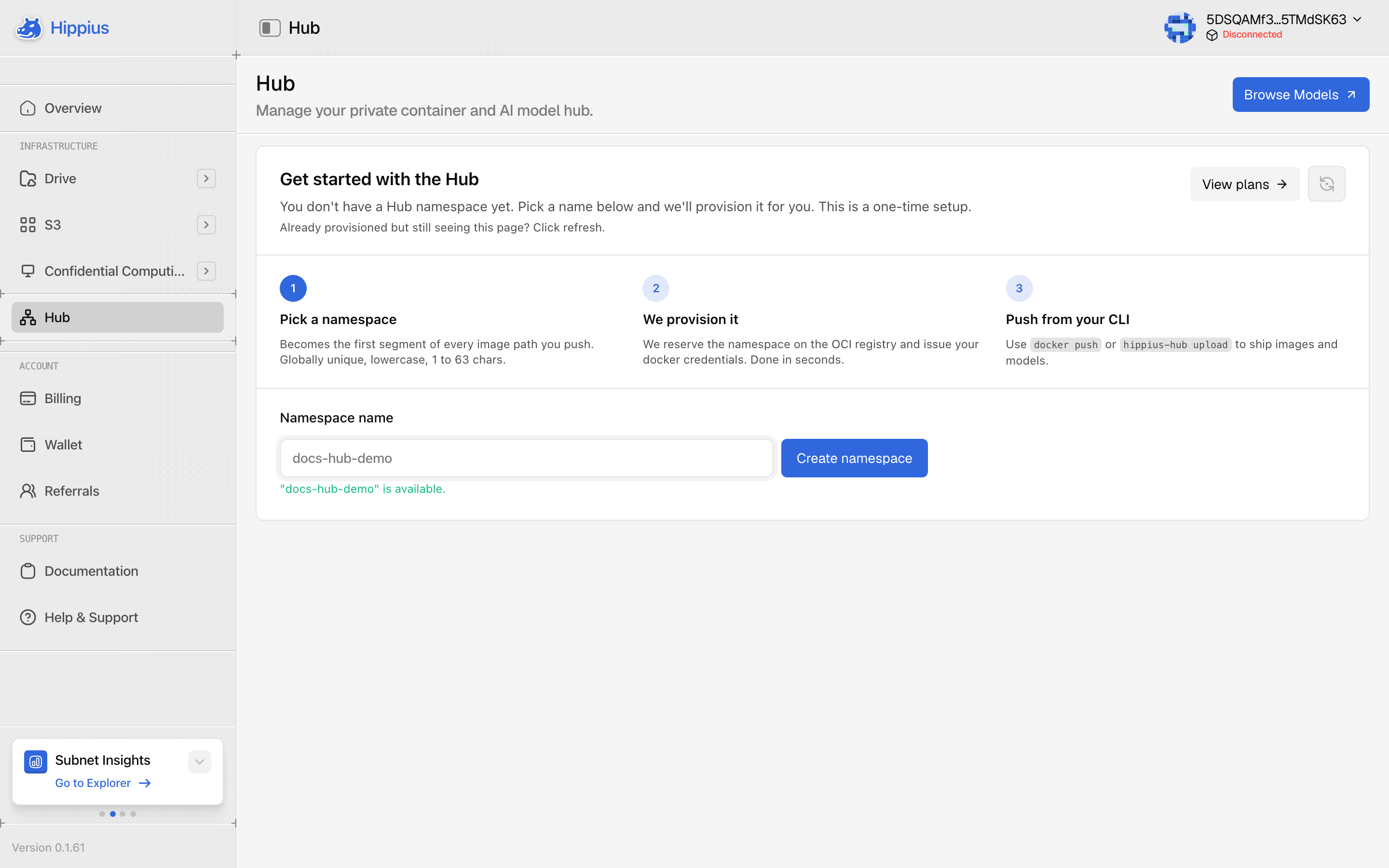
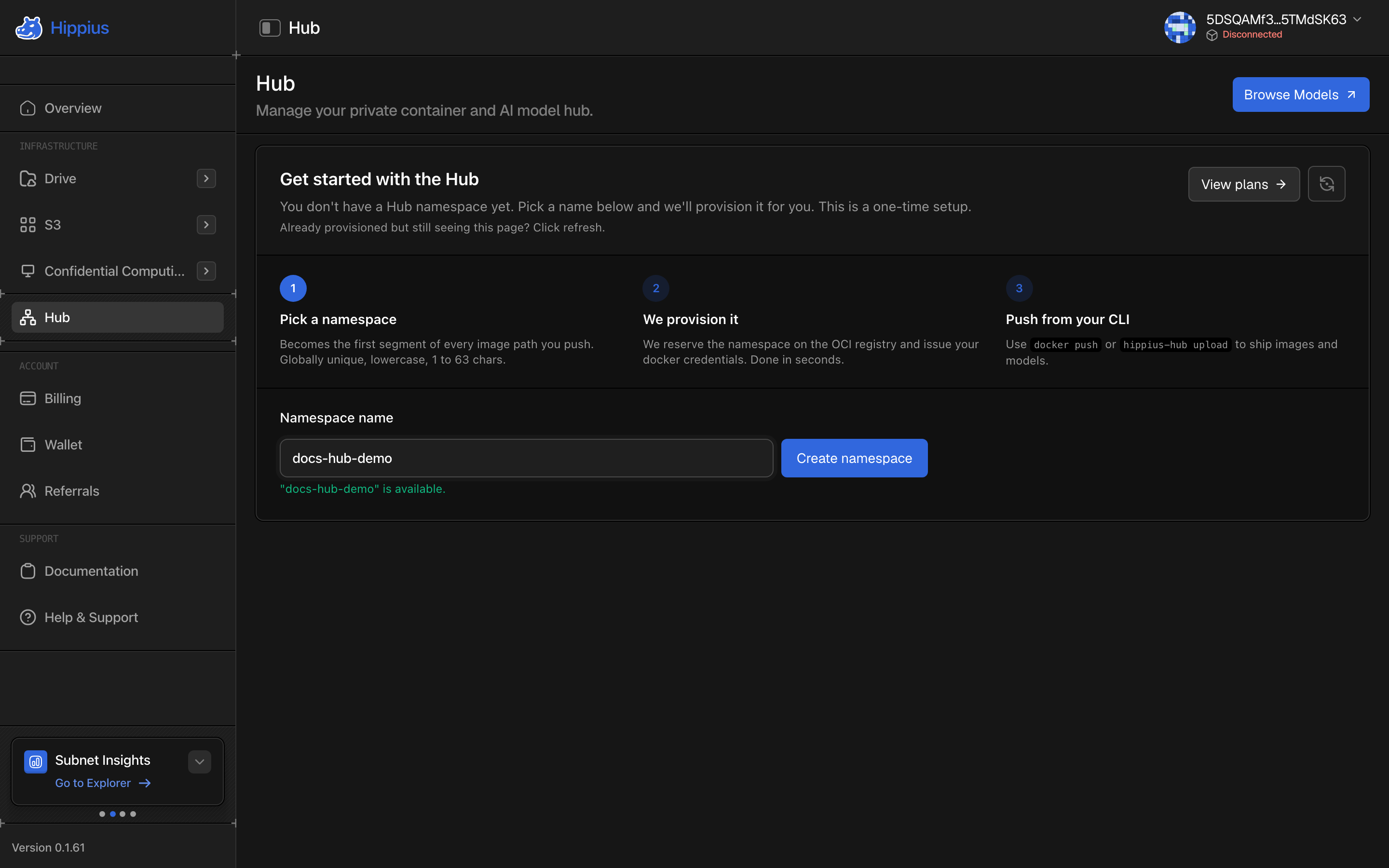
A name can use lowercase letters, numbers and dashes, up to 63 characters, and can't start or end with a dash. Names are unique across Hippius, so someone else may already have the one you want.
You can't rename or delete a namespace from the console, and it appears in every image path you push.
Every account starts on the free Hub plan, so you don't need to buy anything to get going.
If you already created a namespace from the CLI and the console says the name is taken, submit it anyway. The console recognises that it's yours and picks it up.
Push your first image
Once your namespace exists, the console shows the exact commands for your account, with your namespace already filled in. You can copy them from the Hub page, or follow the short version here.
The quickest route is the hippius-hub CLI, which sets up Docker for you:
pip install hippius_hub
hippius-hub login --hippius-token <your-api-token>
hippius-hub registry provision <your-namespace> --docker-login

docker tag my-app:v1 registry.hippius.com/<your-namespace>/my-app:v1
docker push registry.hippius.com/<your-namespace>/my-app:v1
Your API token is on the Settings page. For AI models, hippius-hub upload sends model files straight to your namespace without Docker.
The Hub Quickstart, Push and Pull guides go through every option in more detail.
See what you've pushed
Everything you push shows up on the Hub page, grouped by repository. Repositories appear on their own the first time you push to them, so there's nothing to create in the console first.
Open a repository to see each version you've pushed, with its tags, size, and when it was last pushed and pulled. Open a version for the technical detail: its digest, every tag that points at it, and any labels it was pushed with.
A version with no tags hasn't gone anywhere. You can still pull it by its digest, as in my-app@sha256:….
To delete a repository or a single version, use the three dots at the end of its row.
We can't restore a deleted repository or version, and anything that pulls it will start failing.
Hub counts storage in binary units (GiB), the same way Docker does. A plan sold as 100 GB appears as 100 GiB here. It's the same amount of space.
Public or private
Your namespace is either public or private, and you can switch at any time from Manage.
- Public means anyone can pull your images, without logging in. New namespaces start public.
- Private means only people or machines logged in with your credentials can pull.
Pushing always needs your credentials, whichever you choose.
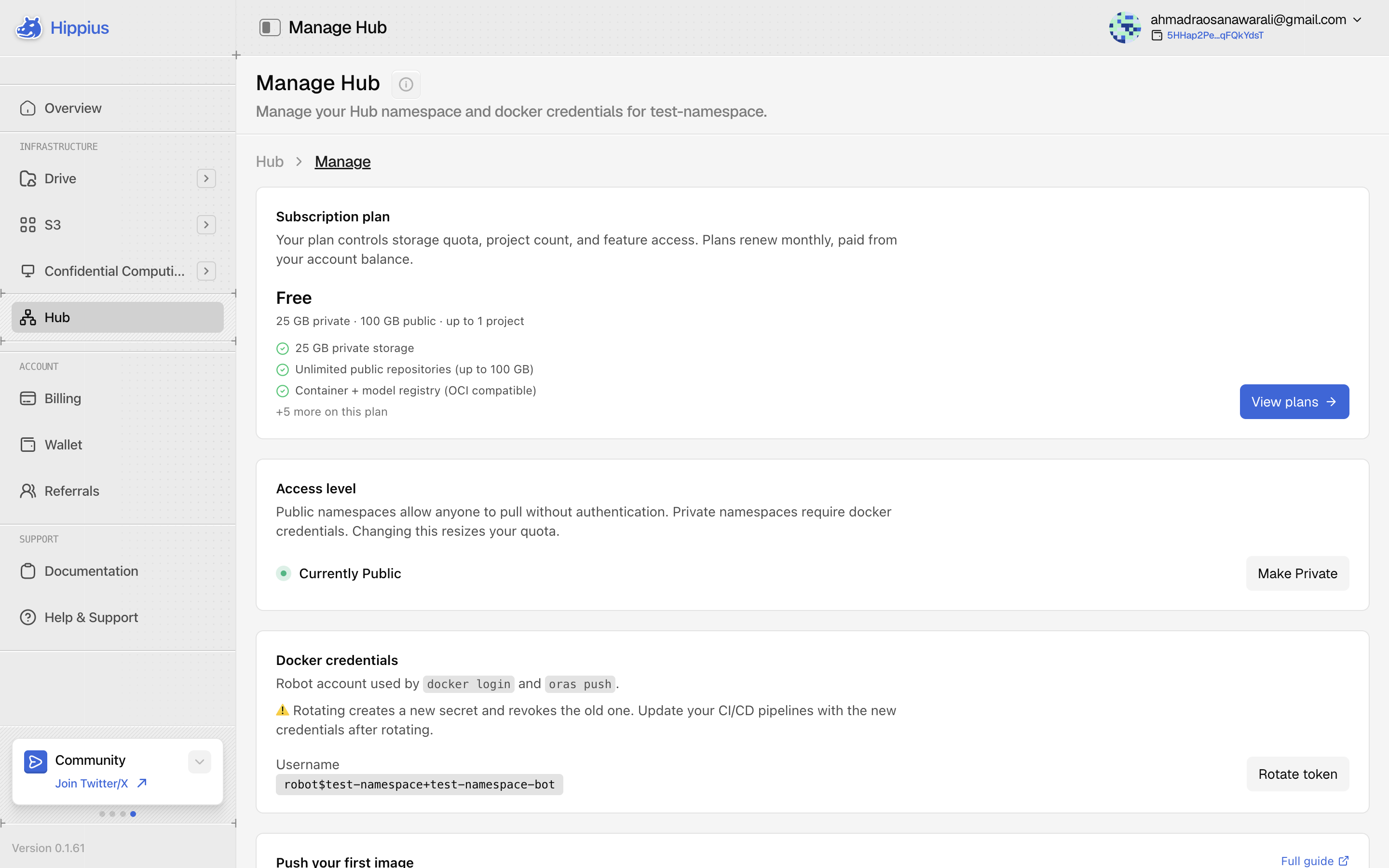
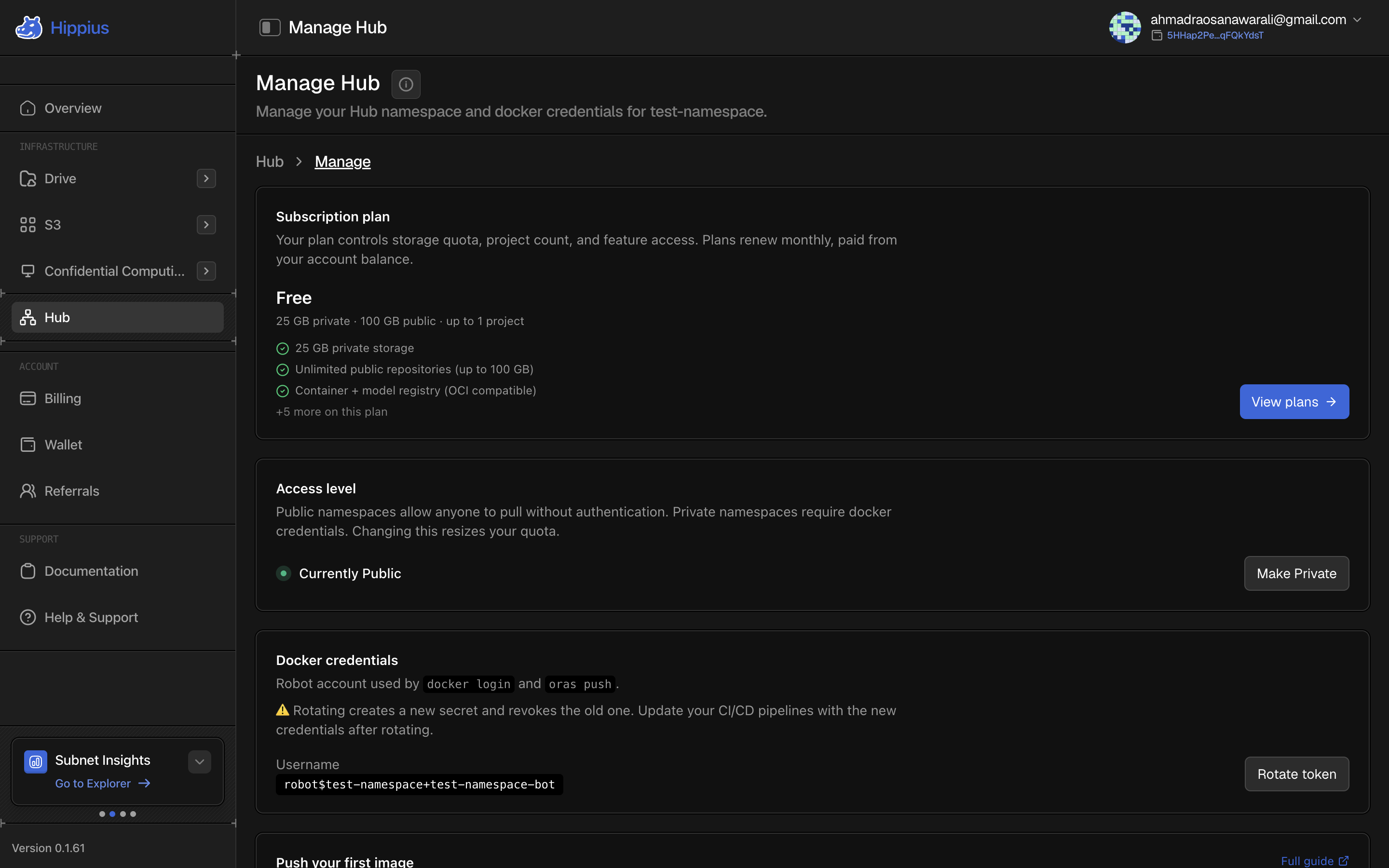
Each Hub plan has one storage allowance for private namespaces and a larger one for public ones. When you switch, you move to the other allowance. If you're close to full, check both figures on your plan before switching to private.
Your login for pushing
Hub gives your namespace its own login, separate from your Hippius account, so you can use it in scripts and CI without sharing your account. You'll find the username under Manage.
To get a new password for it, click Rotate token. The console shows the new password once, so copy it straight away, then log Docker in with it:
docker login registry.hippius.com -u '<your-username>'
Or let the CLI do both steps for you:
hippius-hub registry rotate-token --docker-login
Anything still using it, such as a CI pipeline or a server, can't push until you log it in again with the new one.
Hub plans
Your plan sets how much you can store and how many projects you can have. These are the plans at the time of writing. The console always shows the current ones.
| Plan | Private storage | Public storage | Projects | Price |
|---|---|---|---|---|
| Free | 25 GB | 100 GB | 1 | Free |
| Builder | 75 GB | 200 GB | 1 | $5 / month |
| Pro | 250 GB | 500 GB | 3 | $19 / month |
| Team | 2 TB | 5 TB | 20 | $99 / month |
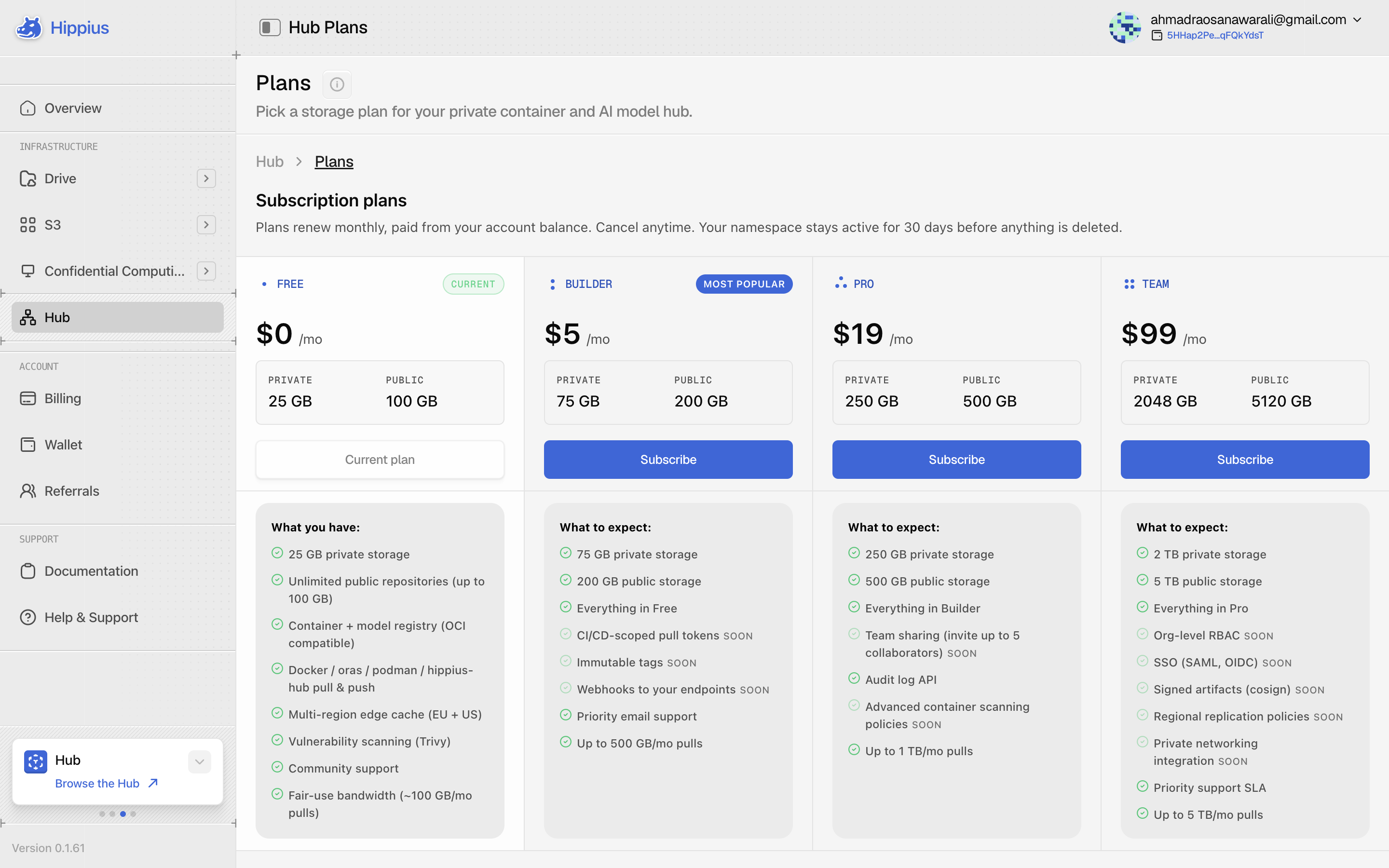
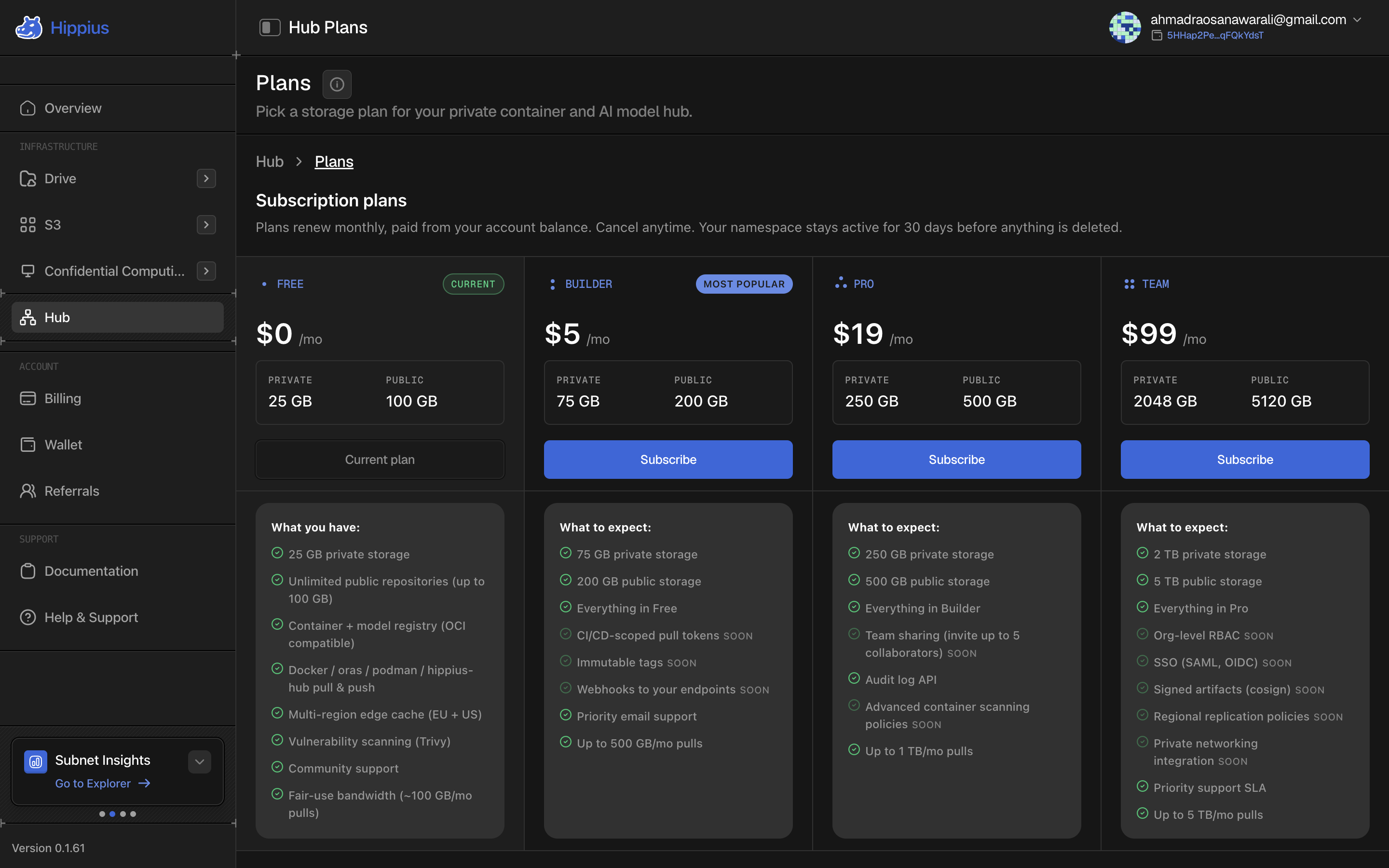
Paying. Hub plans are paid from your account balance and renew monthly. Card payments aren't available for Hub yet, so top up first if your balance is short. Subscribing takes a few seconds to confirm. If it takes longer, give it a moment and refresh rather than subscribing again. Your namespace and login stay exactly as they were.
Switching plans. Hub doesn't have a one-step upgrade or downgrade yet. If you subscribe to a second plan while you're still on a paid one, both stay active and you're charged for both. To switch, cancel your current plan first, then subscribe to the new one.
Cancelling. When you cancel, your namespace stays available for a 30 day grace period, and the Hub page shows the exact date it will be deleted. Subscribe again within that time and everything stays as it was.
When the grace period ends, your namespace and everything in it are permanently deleted.
Where to next
- Hub Quickstart: from nothing to your first push or pull in five minutes.
- Push: images, models and credentials from the CLI.
- Pull: from Python, the CLI or Docker.
- Billing: top up your balance and see everything you pay for.