Referrals
Introduction
Invite someone to Hippius and you earn 5% of what they spend, for as long as their account keeps spending. It is not a one time bonus for the signup. Commission is paid in hAlpha, automatically, and there is nothing to claim.
The person you invite gets something too: 5% off their first subscription.
Because it settles on our chain, you can verify what you have been paid without taking our word for it. More on that in Checking your commission.
Find it in the sidebar at
Sharing your link
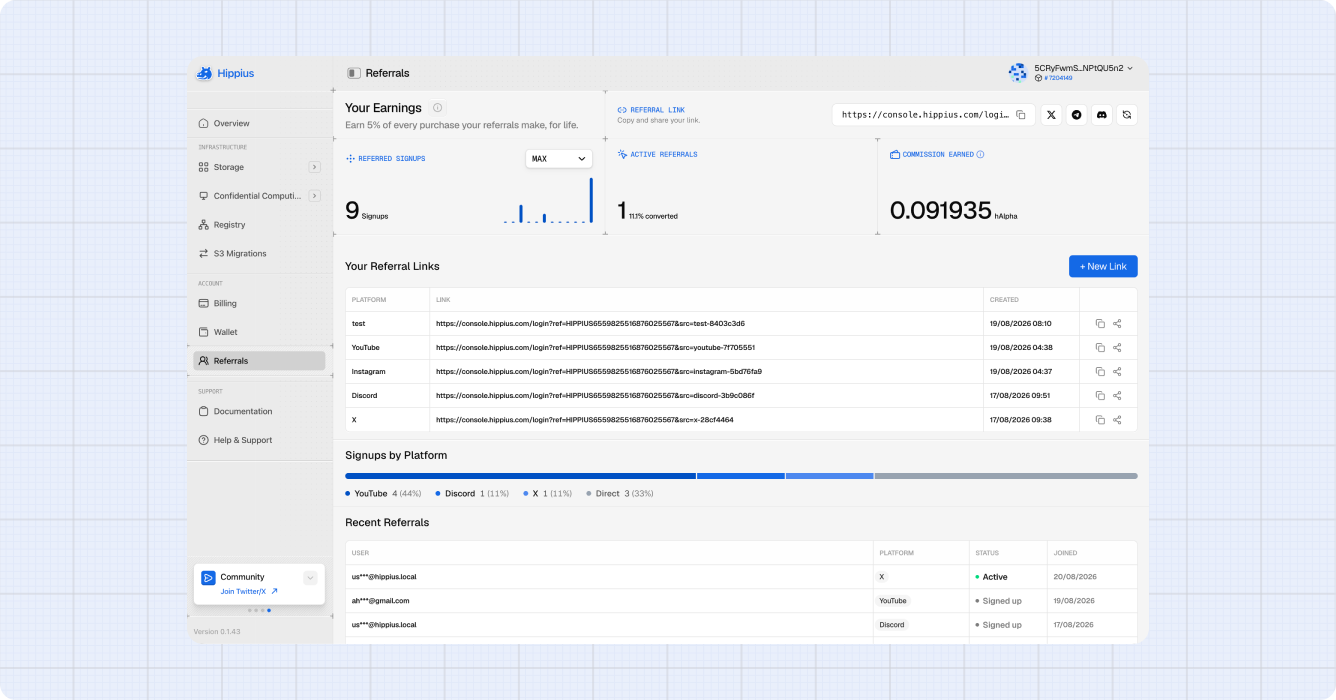
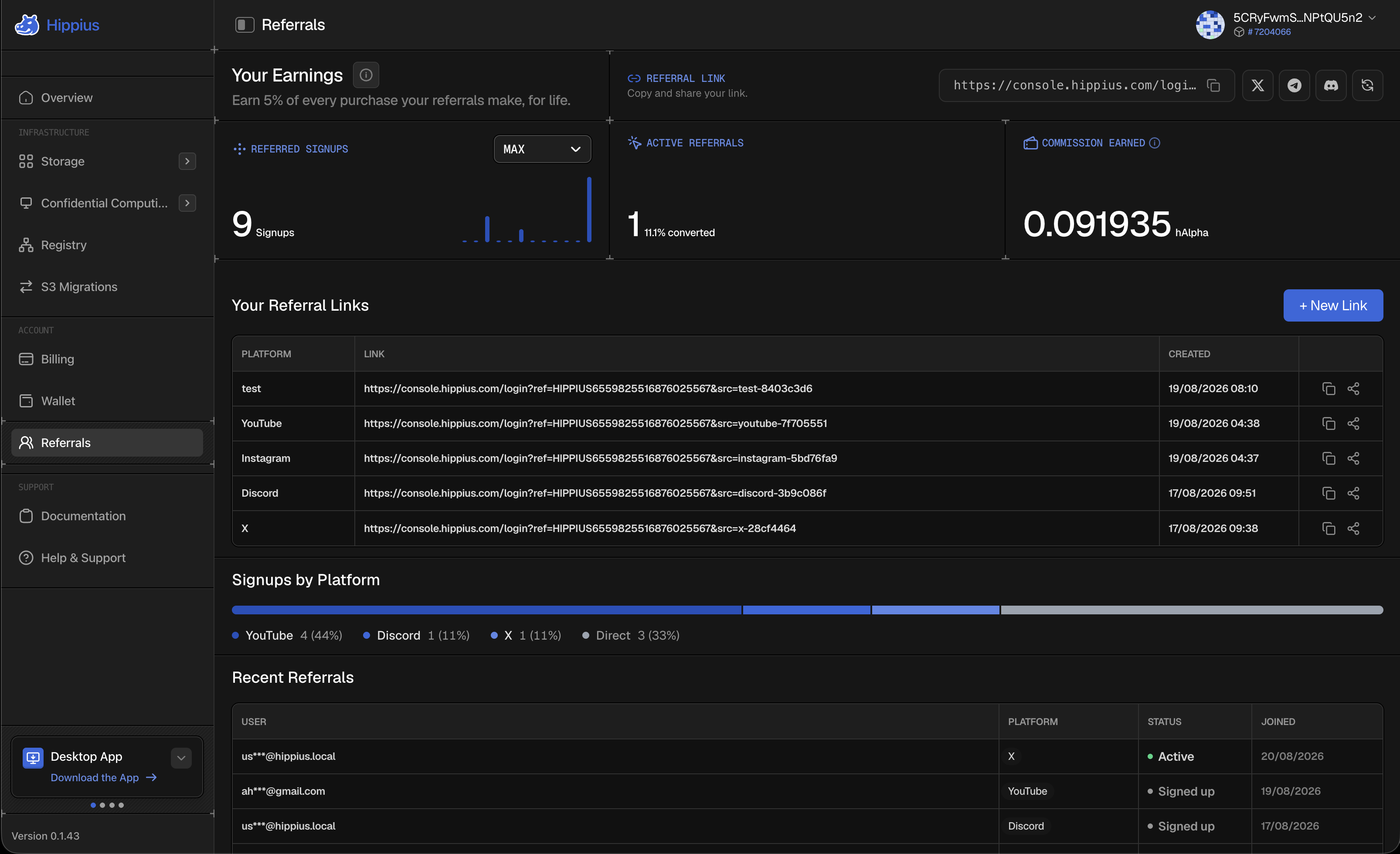
Your referral link sits at the top of the page. Select it, or the copy icon beside it, to copy the whole URL.
Next to it are buttons for X, Telegram and Discord. Each one opens that platform with a message already written for it, so you are not composing a post from scratch every time. The Discord button copies a formatted message to your clipboard instead, ready to paste into any channel.
Anyone can use your link. They do not need a Hippius account first, and there is nothing either of you has to enter. Your commission and their discount are both applied on their own.
Creating a link for each platform
You can create as many links as you like, each labelled with where you plan to share it. They all pay into the same referral code, so this changes nothing about what you earn. What it gives you is a breakdown of which platforms actually bring people in.
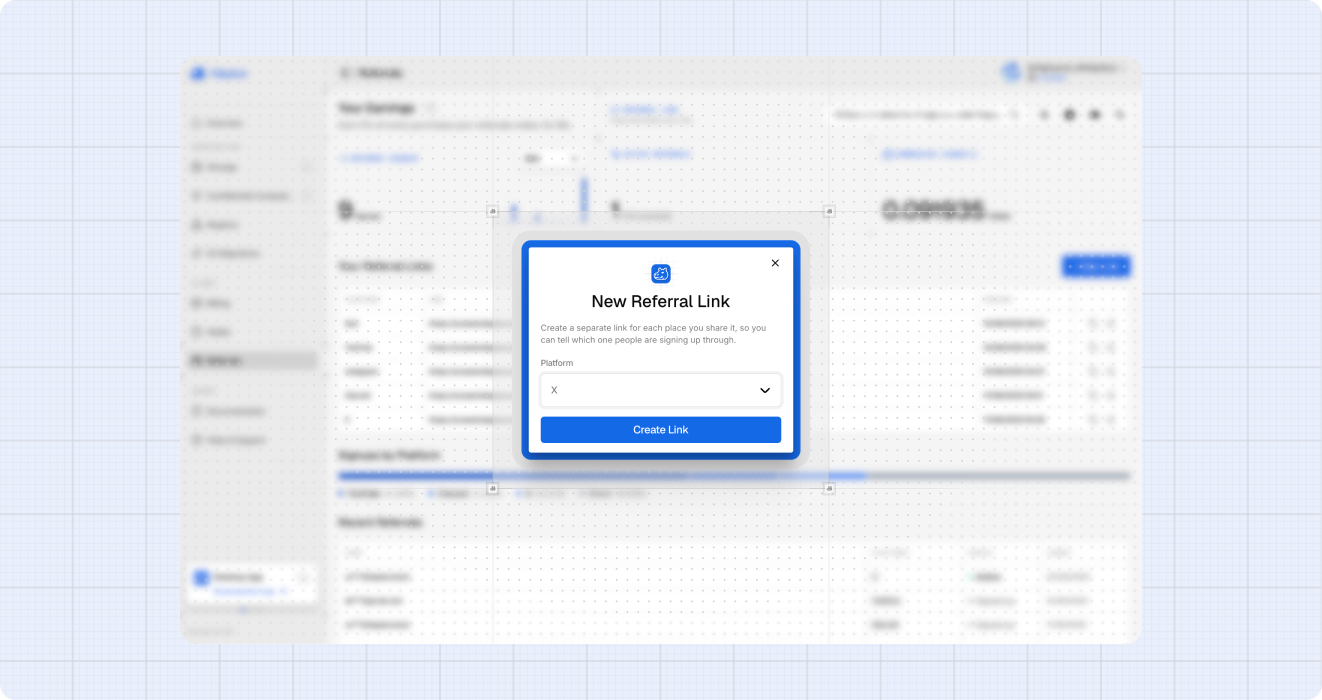
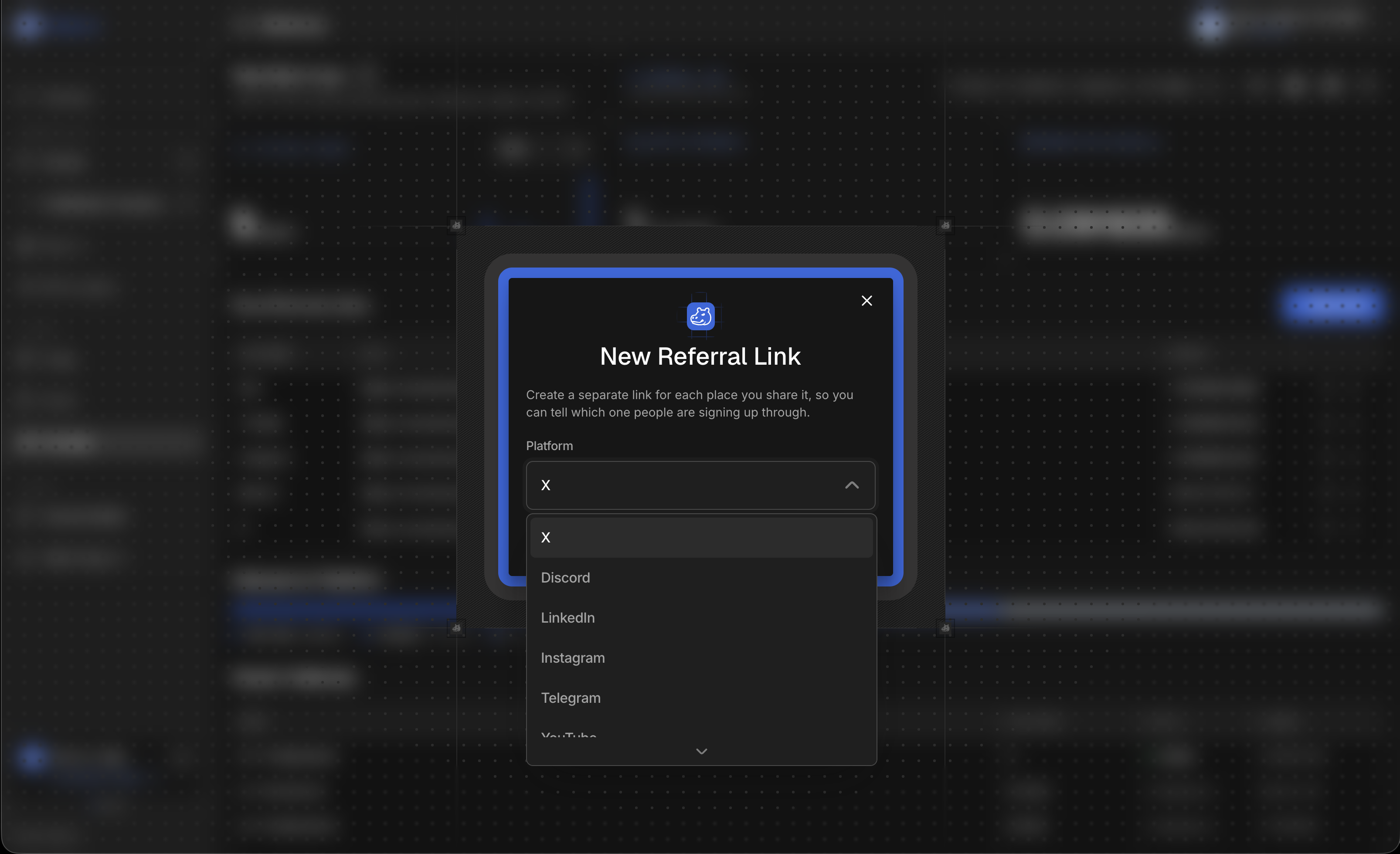
- Select + New Link on the Referrals page.
- Choose the platform you are sharing on: X, Discord, LinkedIn, Instagram, Telegram, YouTube or Reddit. Pick Other to type your own label for anywhere else, like a newsletter or a conference talk.
- Select Create. The new link appears in the table below, ready to copy or share.
Each link carries the platform label, so a signup that arrives through your YouTube link is counted separately from one that arrives through Discord. You can see it in the link itself: ref is your referral code, which is the same on every link you make, and src is the platform label.
https://console.hippius.com/login?ref=HIPPIUS1234567890&src=youtube-7f705551
The src tag exists only so we can show you the breakdown. It changes nothing about who gets credited or what you earn, so a link with it stripped off still pays you.
There is no limit, so a fresh link per video, post or community is fine. They all credit the same referral code.
Tracking how your links perform
Three figures sit across the top of the page.
- Referred Signups: everyone who created an account through one of your links. The chart beneath it breaks this down over time, and you can change the range.
- Active Referrals: how many of those went on to spend, with your conversion rate beside it. This is the number that turns into commission.
- Commission Earned: what the referral pallet has paid you so far, in hAlpha.
Below that, Signups by Platform shows which of your links people arrived through, and Recent Referrals lists your most recent signups with the platform they came from and the date they joined.
Email addresses in that list are masked. You can see that someone signed up and whether they are active, not who they are.
How commission works
You earn 5%, and the rate is set on chain rather than in the console.
It applies to everything the people you refer pay for, both subscriptions and hourly usage. Someone who never buys a plan and only ever pays by the hour, on S3 for example, still earns you commission on what they spend.
Attribution happens the moment someone signs up through your link. It is recorded then and does not change afterwards, so it stays credited to you no matter which of your links they used or how long they stay.
Commission is paid in hAlpha and lands in your balance on its own. There is no threshold to reach and nothing to claim.
Commission follows what your referrals actually pay, so it appears after they spend, not when they sign up. Someone who creates an account and never buys anything will show under Referred Signups but not under Active Referrals.
What the person you refer gets
They get 5% off their first subscription purchase, applied automatically when they subscribe to a plan. There is no code for them to enter.
It is a one time discount, not a standing one, so it does not repeat on renewals.
The discount applies to subscriptions only. Someone who sticks to hourly, pay as you go usage such as S3 will not see one, because there is no subscription purchase for it to apply to. Your commission is unaffected either way, since that covers hourly usage as well.
Checking your commission
Every payment is recorded on our chain, so you can check it rather than rely on a number in a dashboard.
The Referrals page on Hippius Explorer lists every referrer on the network with the codes they created, how many of their referrals went on to subscribe, and the commission each has been paid. Search your own address there to see your row, or open your account page and select the Referrals tab.
The figures there come from the chain itself, which is why they match what the console shows you.